Uninstall the on-premises Agent services
For a manual update or a reinstallation of the HelloID agent, it may be necessary to uninstall the existing HelloID Agent.
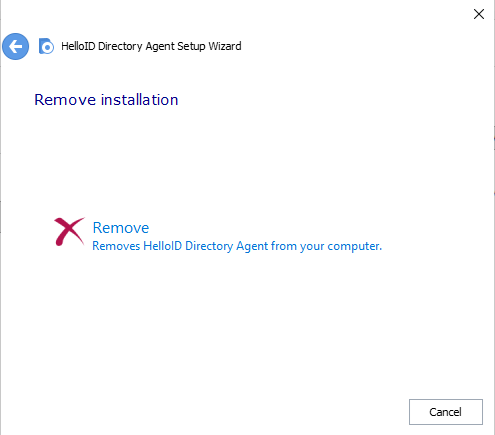
Download the HelloID Agent installer package (see Install an on-premises Agent) and run it.
The wizard provides a Remove option.
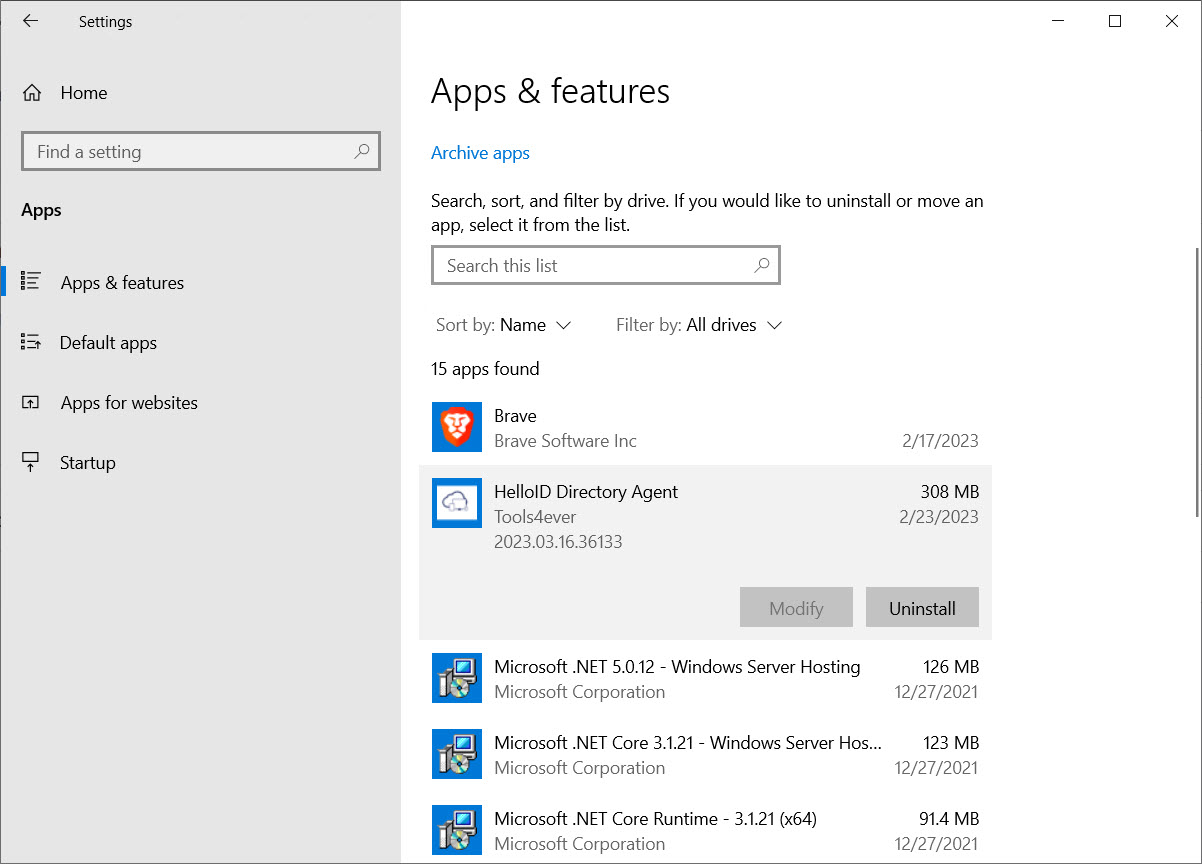
Alternatively, you can use the Windows system tool to uninstall applications.
Optional: If certain resources (such as services, registry entries and folders) cannot be removed:
Use the following PowerShell script (replace servicename with the name of the actual service):
#Remove Service PowerShell
$service = Get-WmiObject -Class Win32_Service -Filter "Name='servicename'"
$service.delete()
In the event you need to remove all reference registry entries regarding HelloID it is recommended to use the Microsoft Program Install and Uninstall troubleshooter.
If HelloID folders in Program Files and/or ProgramData are not removed, remove or rename these manually.