View entitlements
Go to Business > Rules.
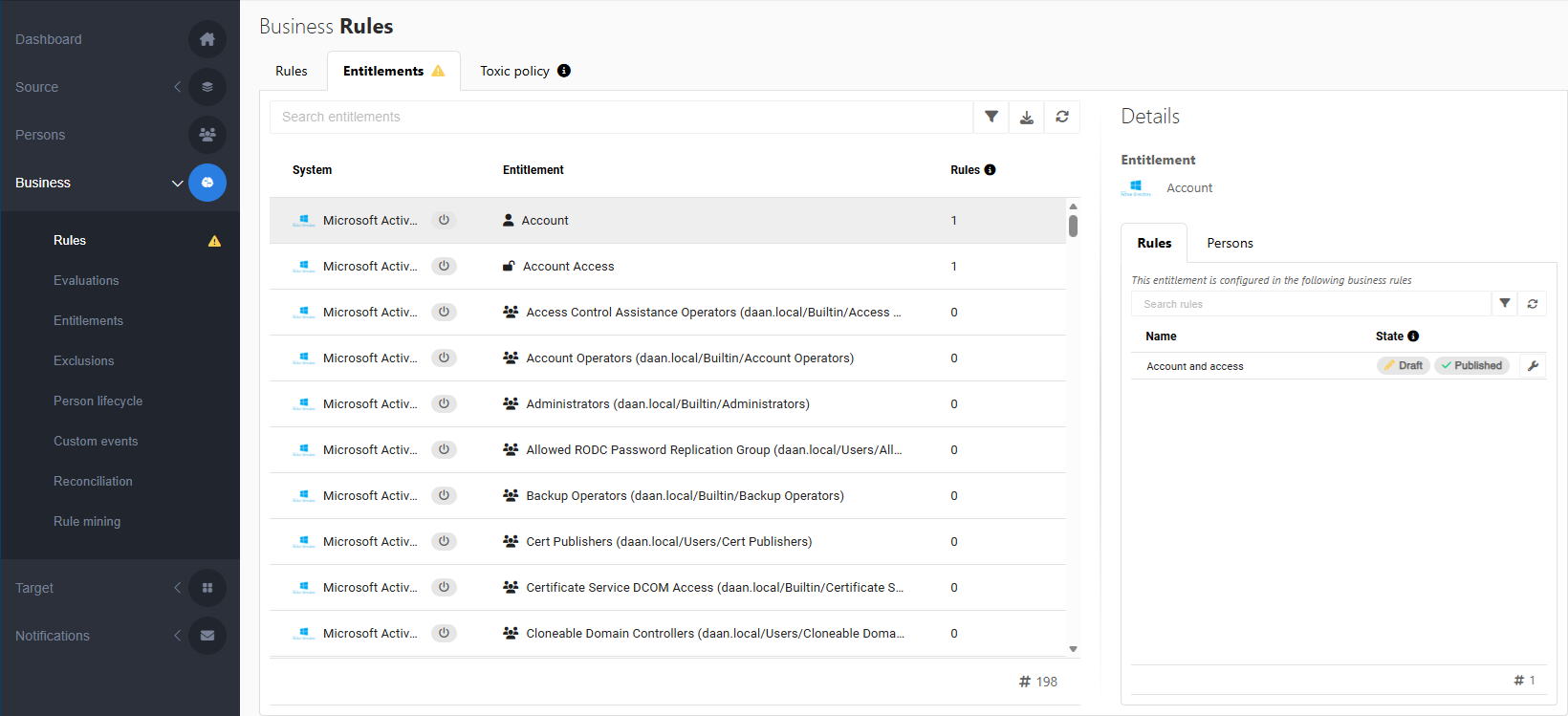
Open the Entitlements tab.
A yellow
 warning sign is shown when an entitlement no longer exists in the target system - i.e. it has not been returned by the target system - but is still assigned by one or more business rules.
Details for the selected entitlement are shown on the right:
The Rules tab shows which business rules assign the entitlement, and whether they are in a draft and/or published state.
Click
 Edit next to a business rule to Edit a business rule.
The Persons tab shows to whom the entitlement has been assigned.
Use the
 Filter button to filter the list of entitlements by target system, business rule state (draft/published), or whether the entitlement still exists in the target system (yes/no).
For example, to get a list of entitlements for which there is a
warning (i.e., they no longer exist in the target system, but are still assigned by one or more business rules):Click the
Filter button.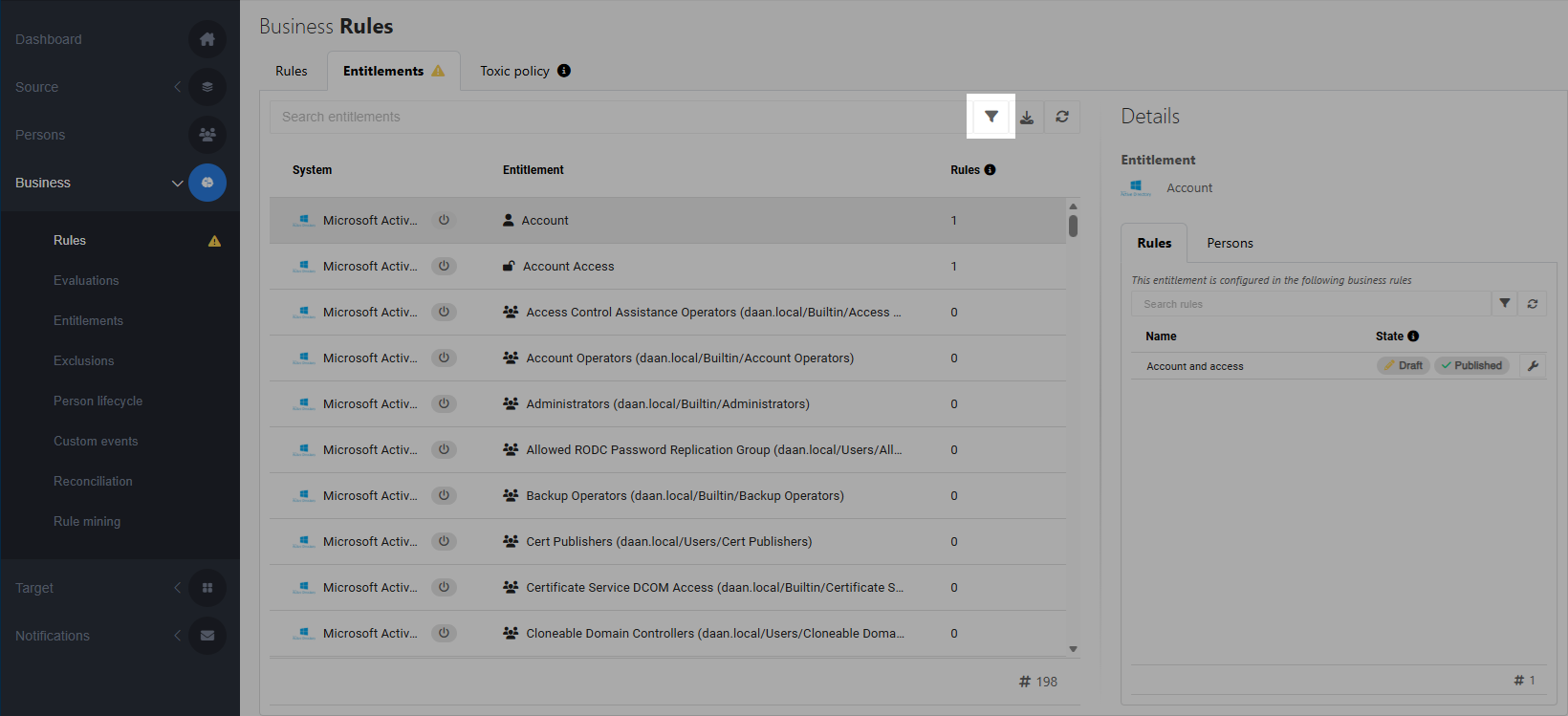
In the In rule options, uncheck None. In the In target system options, uncheck Yes.
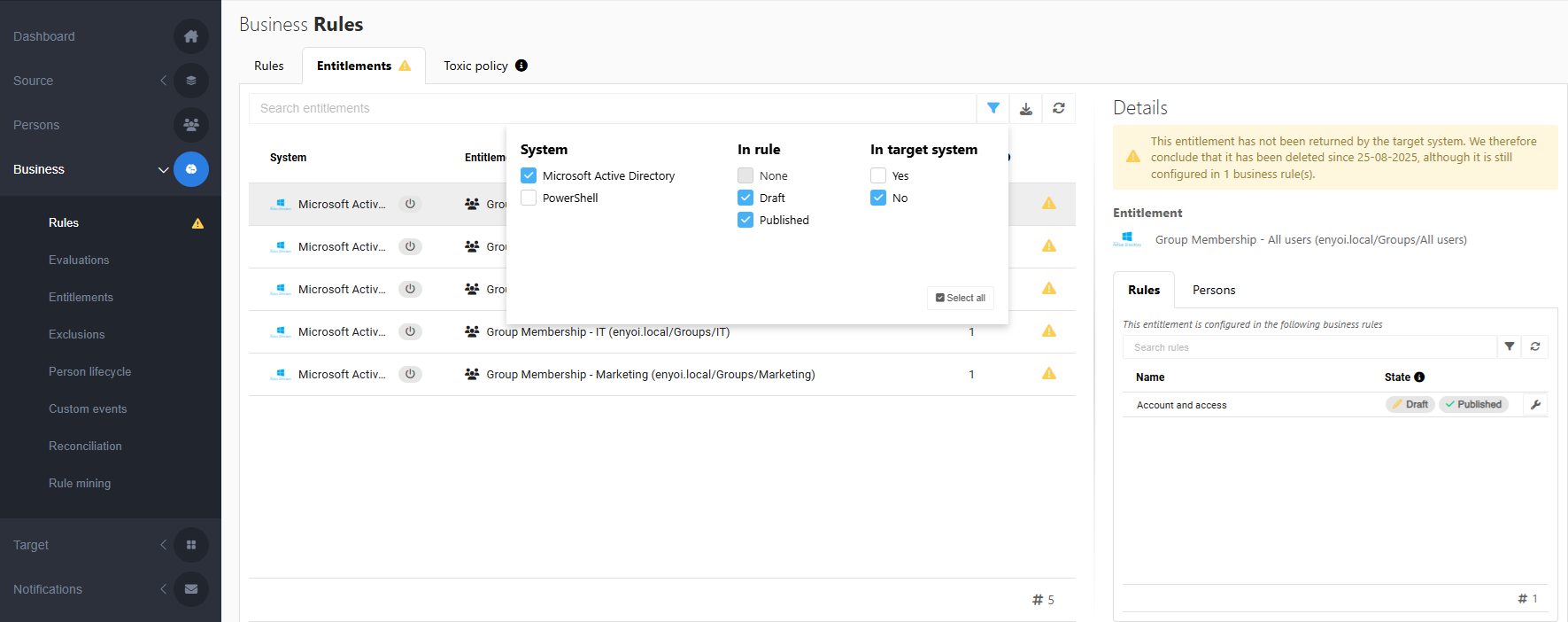
The list of entitlements with warnings is displayed. Filter by target system to shorten the list.
On the Rules tab in the Details pane, click
Edit to open the selected business rule.