Add, edit, or remove an Agent Pool
For more information, see Agent pools.
Add an Agent Pool
Note
HelloID includes a single agent pool named Default pool. In most environments, this default agent pool is sufficient and can be used as-is. Renaming the default pool or creating additional pools is typically unnecessary.
Additional agent pools are only required in exceptional situations, such as when agents are installed in separate networks or locations.
Go to Agents.
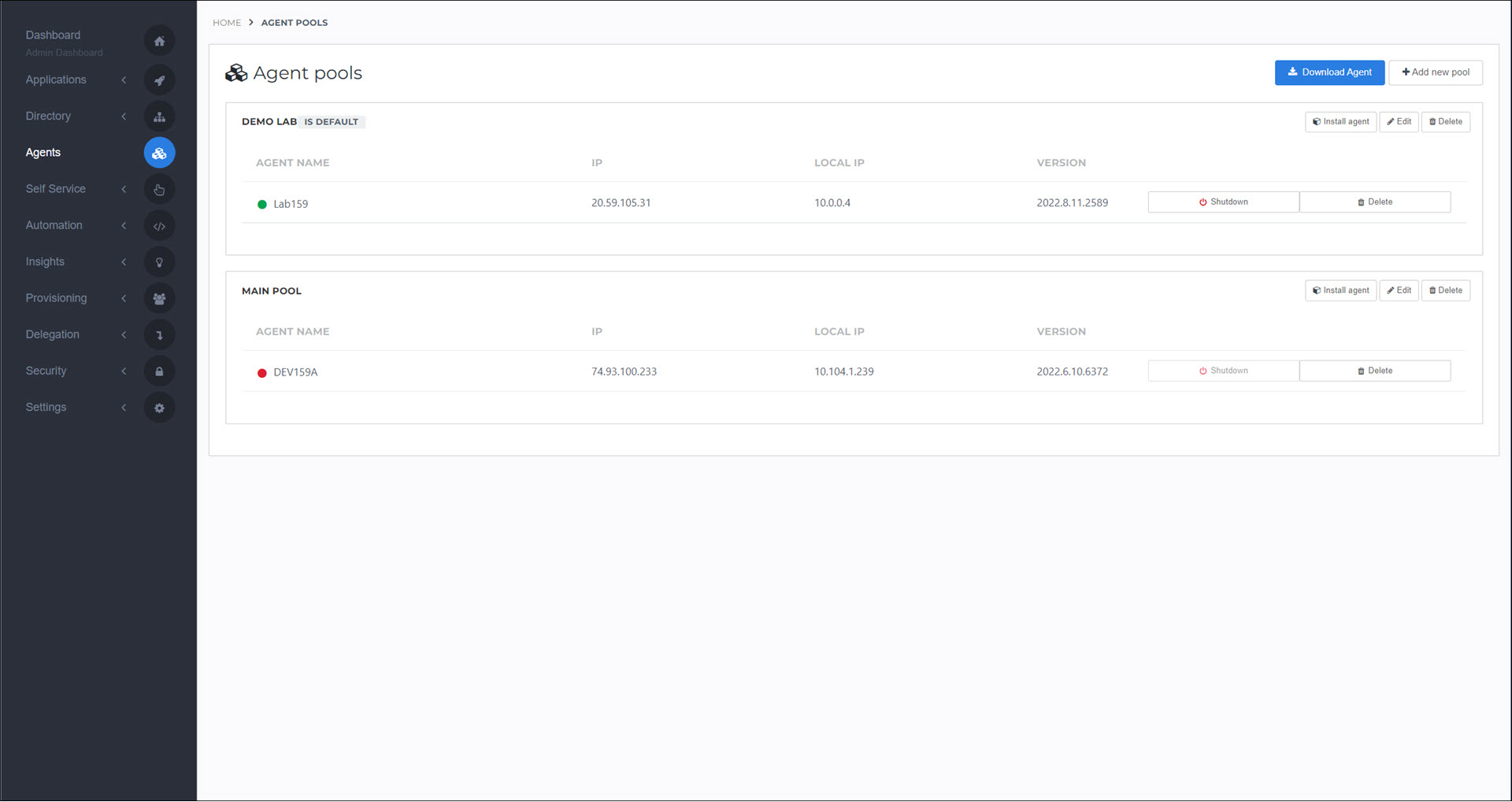
Click Add New Pool.
Enter a Name.
Optional: Select the Default pool checkbox to make this the default Agent pool. If you only have one Agent Pool, it is automatically the default.
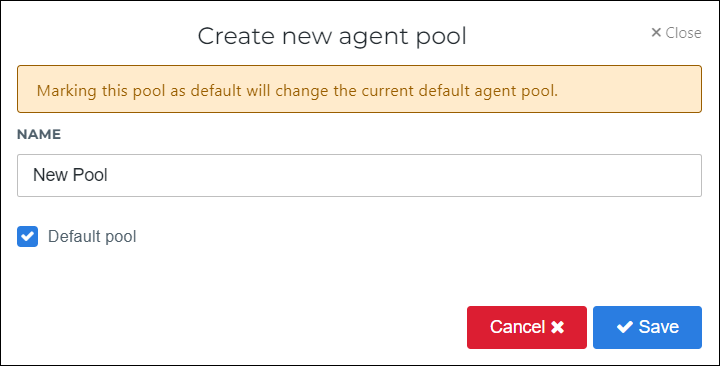
Click Save.
The new Agent pool is added.
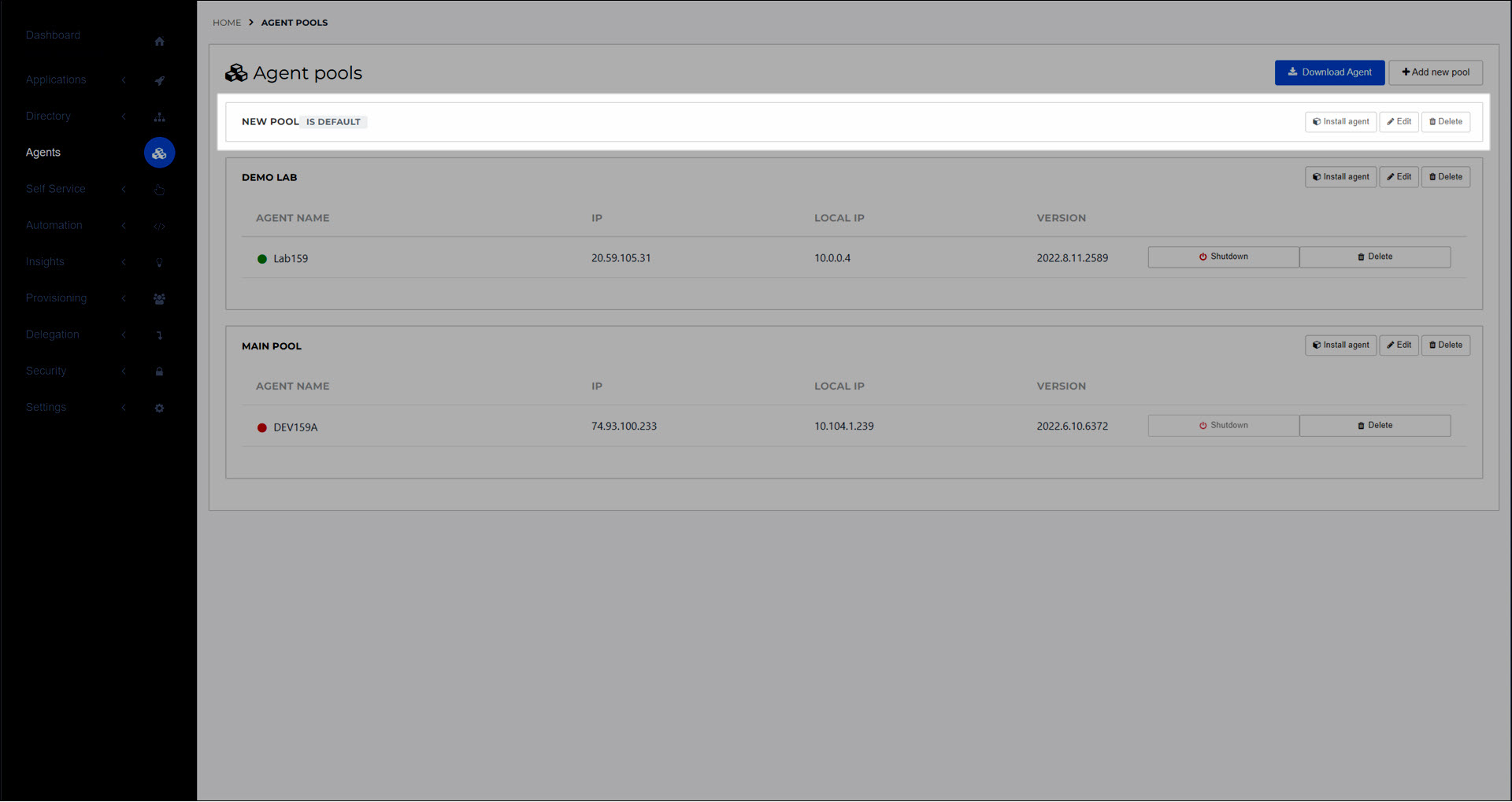
The next step is typically to Install an on-premises Agent in the new Agent pool.
Go to Agents.
For the relevant Agent Pool, click Edit.
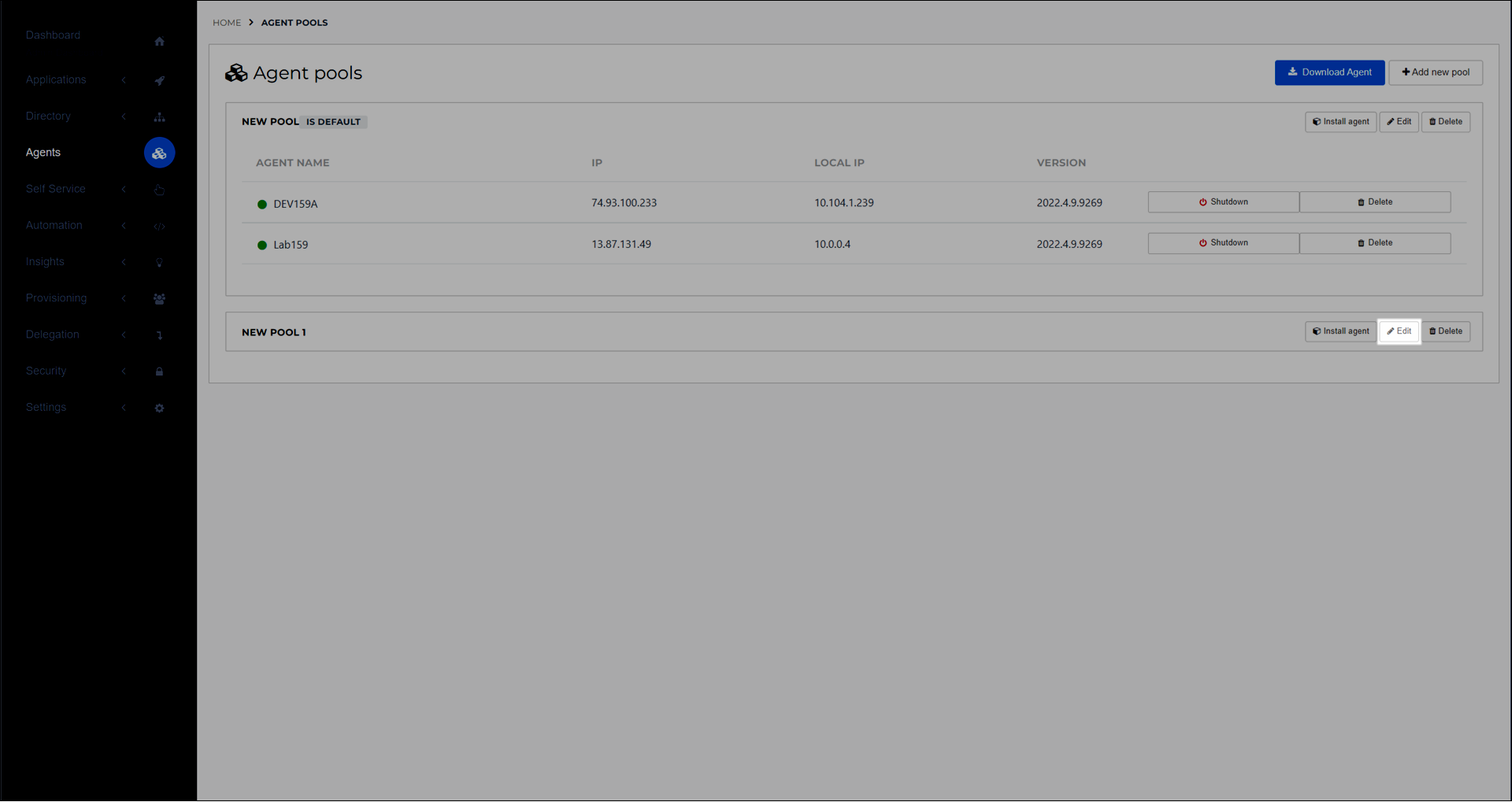
Continue by following the steps in Add an Agent Pool.
Go to Agents.
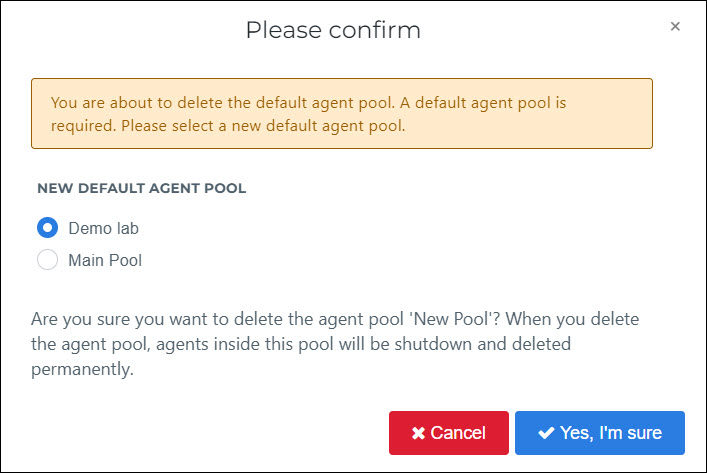
For the relevant Agent Pool, click Delete.
If the Agent pool you're removing is currently the default pool, you must select a new default. Then, click Yes, I'm Sure.
The Agent pool is removed. The services of all Agents inside it are shut down and disconnected from HelloID. The services remain installed on the target machine(s).