Language settings
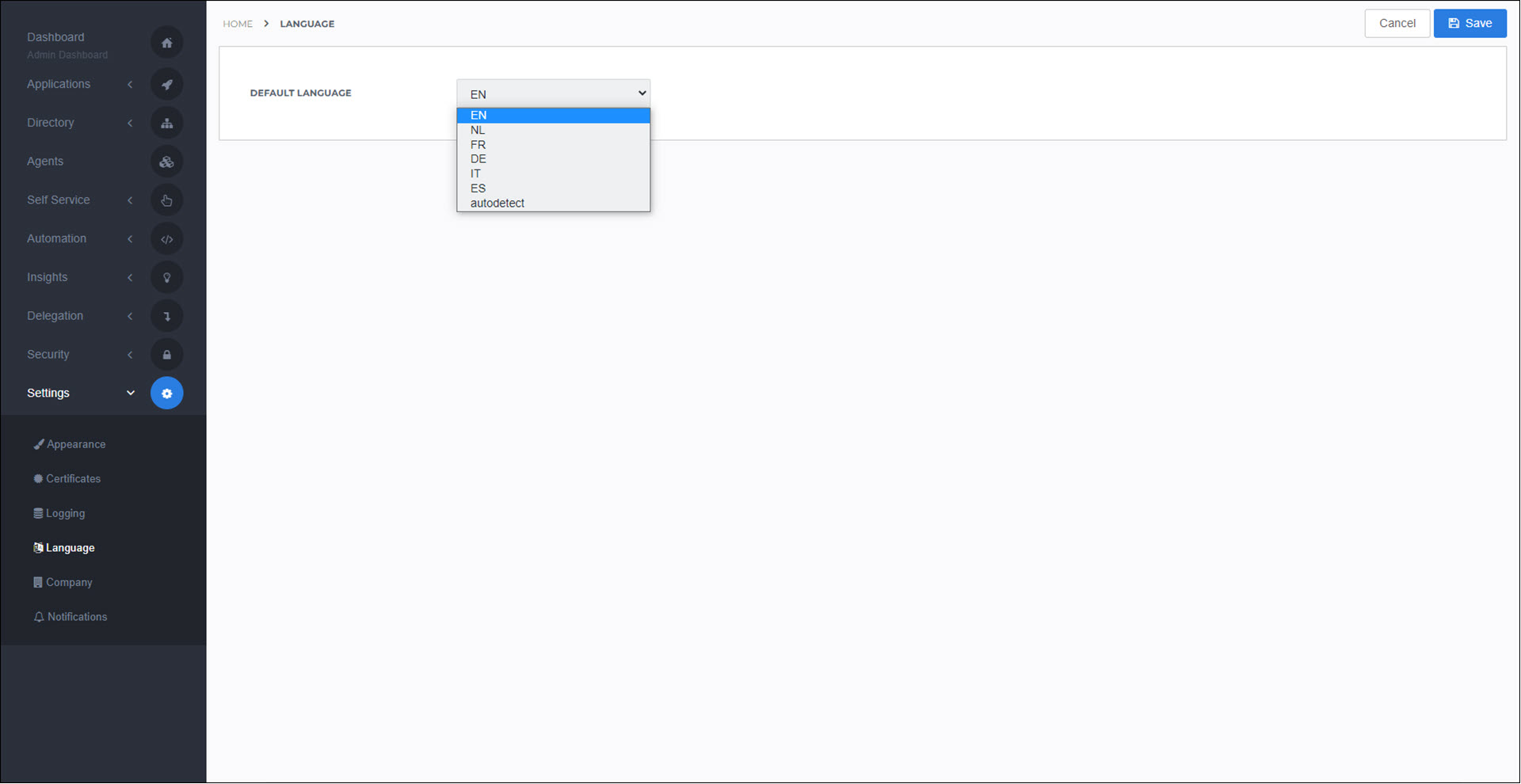
HelloID supports several languages on the User dashboard. By default, the displayed language is automatically detected from the user's web browser (autodetect). Users can manually select a specific language and override the default (see Change language).
In Service Automation, the selected language also applies to notifications and emails sent to the end user; for example, a notification to approve or deny a product request.
In Provisioning, notifications are not automatically translated.
The language of the Admin dashboard cannot be changed; it is always English.