Create target snapshots
Before you start
For an Active Directory target system, Configure correlation.
For a PowerShell v2 target system, Configure correlation and Configure import from target system.
Click the
 Provisioning icon to go to the Provisioning dashboard.
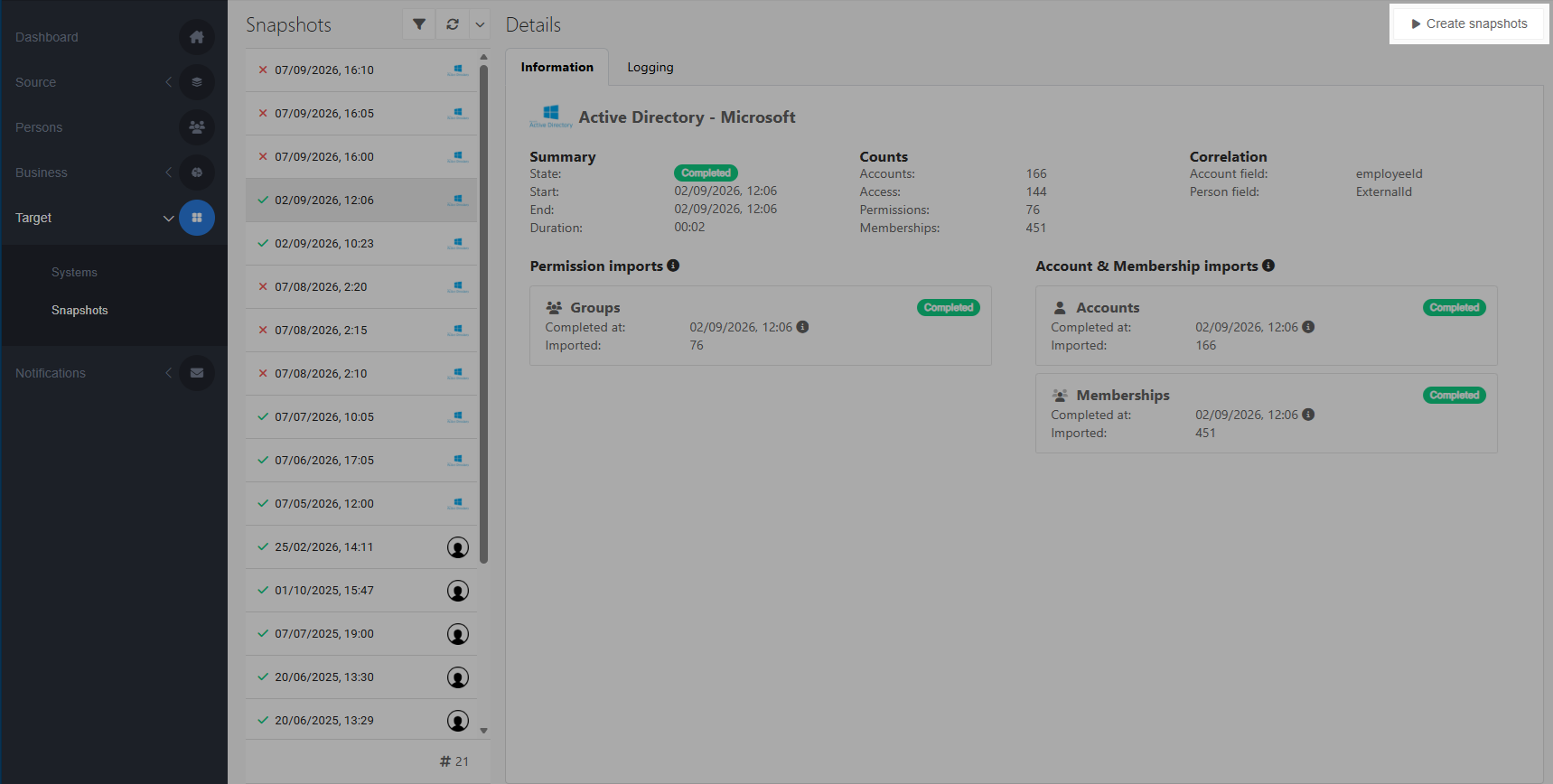
Go to Target > Snapshots.
Click the Create snapshots button.
Select the target system or systems you want to take a snapshot of, or check the Select all systems option.
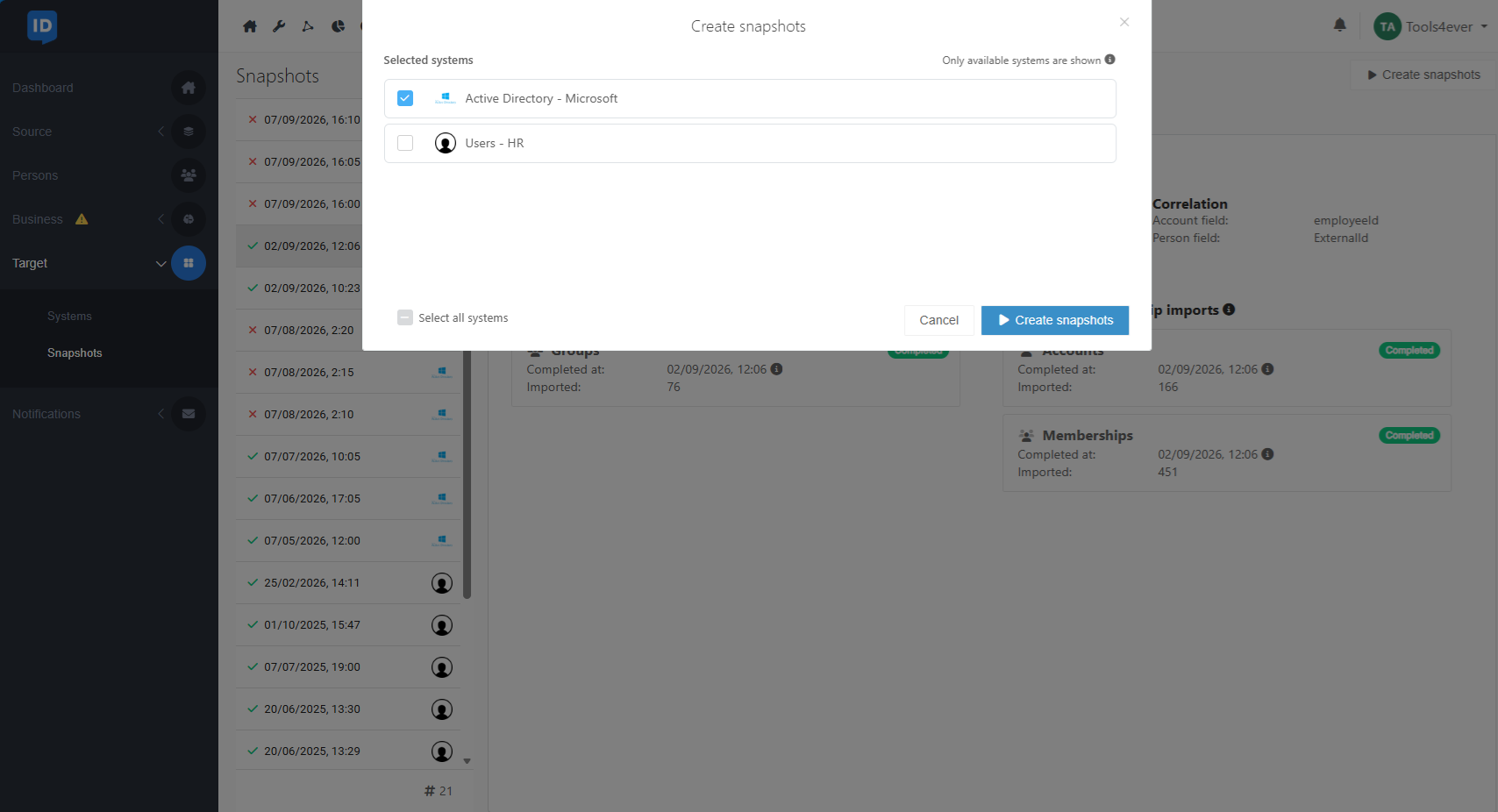
Click the Create snapshots button.
You can now View a target snapshot.
Note
Target snapshots can only be created once per hour. However, a failed target snapshot can be retried immediately.