View a target system's audit logs
For more information, see Audit logs.
For the relevant target system, Edit a target system.
Go to the Audit Logs tab.
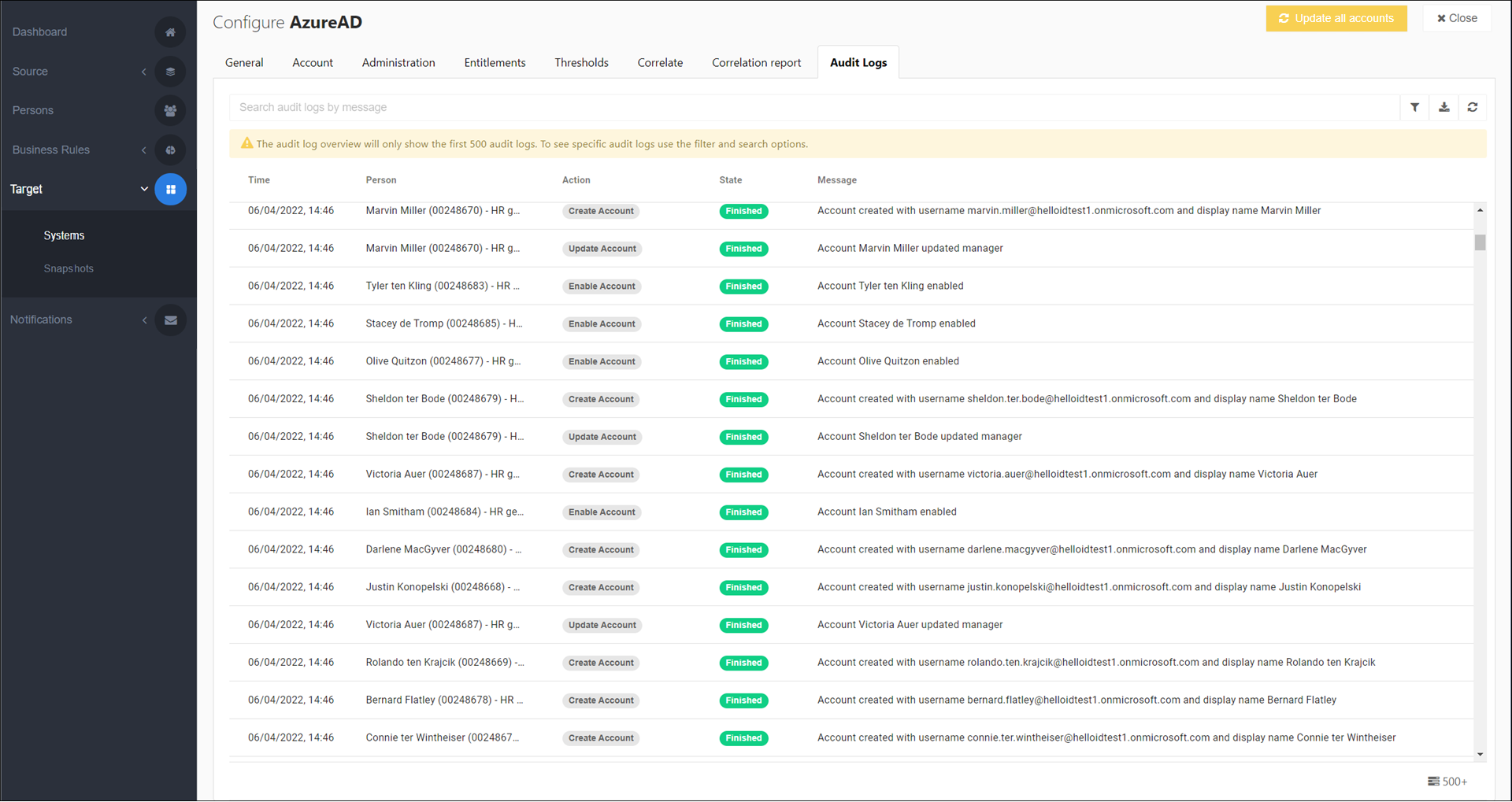
The first 500 rows are shown.
Optional: Enter a search term and/or alter the filter options to refine the results displayed in the grid.
Filters include the state of the action (
errororfinished) and the type of action that has been performed in the target system:EnableAccount: Represents an Account Access entitlement Grant.DisableAccount: Represents an Account Access entitlement Revoke.MoveAccount: Represents a target account being manually moved to a different OU.CorrelateAccount: Represents an account Correlation (PowerShell v2).GrantMembership: Represents a Group Membership entitlement GrantRevokeMembership: Represents a Group Membership entitlement RevokeGrantPermission: Represents a Permission entitlement Grant.UpdatePermission: Represents a Permission entitlement Update.RevokePermission: Represents a Permission entitlement Revoke.CreateResource: Represents a resource creation (see Resources).UpdateResource: Represents a resource update (see Resources).CreateMailbox: Represents an Exchange mailbox being manually created for a target account.ManageAccount: Represents an existing target account being linked to a person in HelloID when importing entitlements from a target system.UnmanageAccount: Represents an account being unmanaged.ManageAccess: Represents account access being marked as granted in HelloID when importing entitlements from a target system.UnmanageAccess: Represents account access being unmanaged.ManagePermission: Represents a permission being marked as granted in HelloID when importing entitlements from a target system.UnmanagePermission: Represents a permission or group membership being unmanaged.
Optional: Export a report to download all data.