Account lifecycle (PowerShell target systems)
The five account scripts are the most important part of a PowerShell target system. Use the existing script templates as a starting point. Customize them to specify how target accounts are created & managed. HelloID executes these scripts during Enforcement.
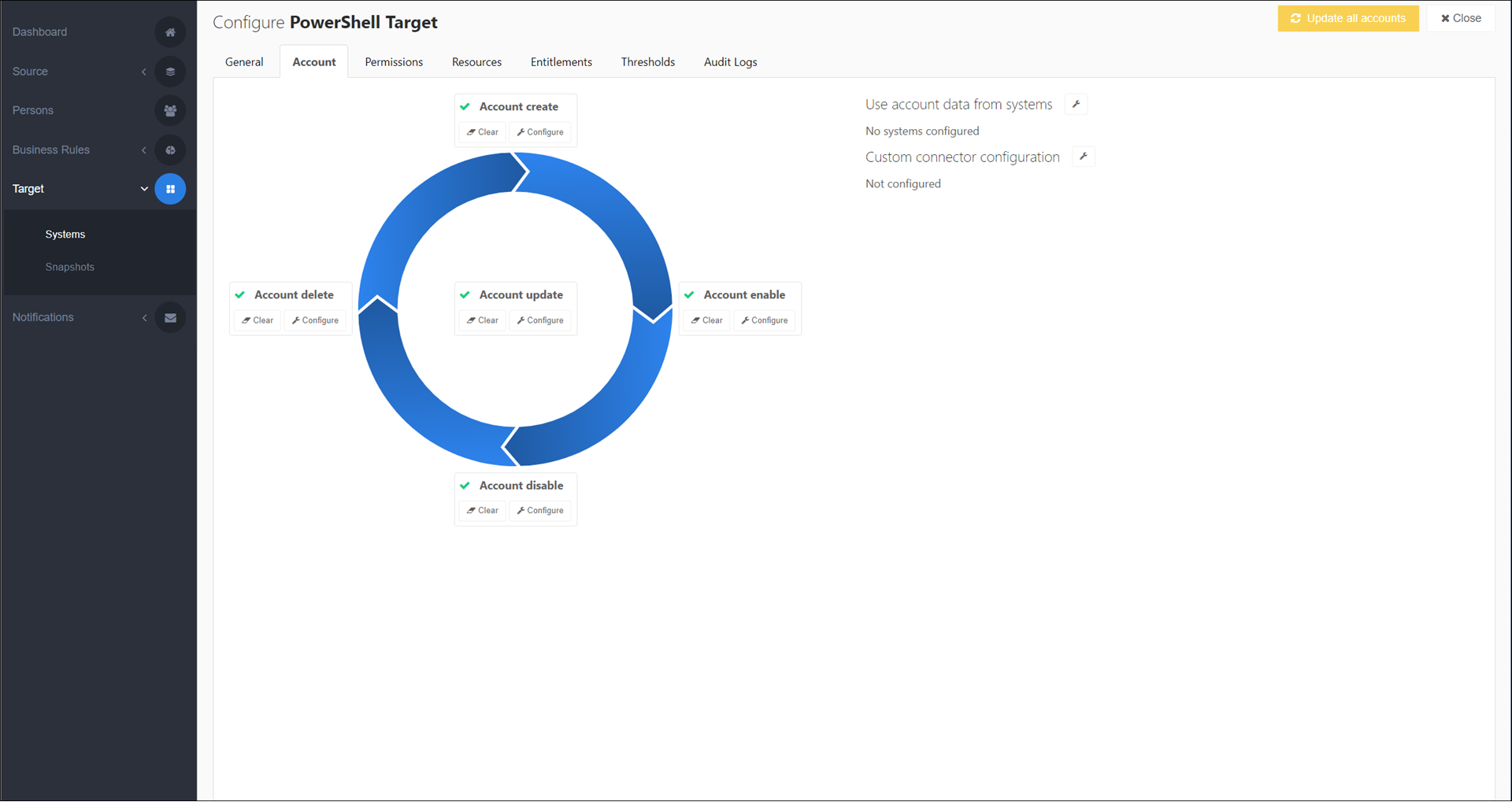
To get started, Customize an account script.
All account scripts share a similar structure:
HelloID passes you a variety of input variables such as $person, $manager, and $accountReference.
You use these variables in your code to make calls to the target system's API inside the
if(-Not($dryRun -eq $True)) {}block. This is where you create, enable, update, disable, or delete the target account, depending on which script it is.Note
The process of building an $account object from $person in the Account Create script and Account Update script is equivalent to the process of target mappings in Active Directory / AD target systems.
You log your actions in $auditLogs. This data is recorded in the target system's Audit logs.
Finally, you return your results to HelloID inside $result.
For more information, see Account scripts. For information about process logging in account scripts, see Process logging in PowerShell target connectors.
The maximum execution time for each script is 30 seconds, at which time script execution is terminated.
To skip a particular lifecycle stage, see Skip an account lifecycle stage. A skipped stage performs no action when the associated entitlement is granted, with one exception: A skipped Account Create stage results in a failed grant. This is because an $accountReference is required for subsequent lifecycle stages.