Add, edit, or remove a permission set
Add a permission set
For the relevant PowerShell v1 target system, Edit a target system.
Go to the Permissions tab.
Click
 Add permission set.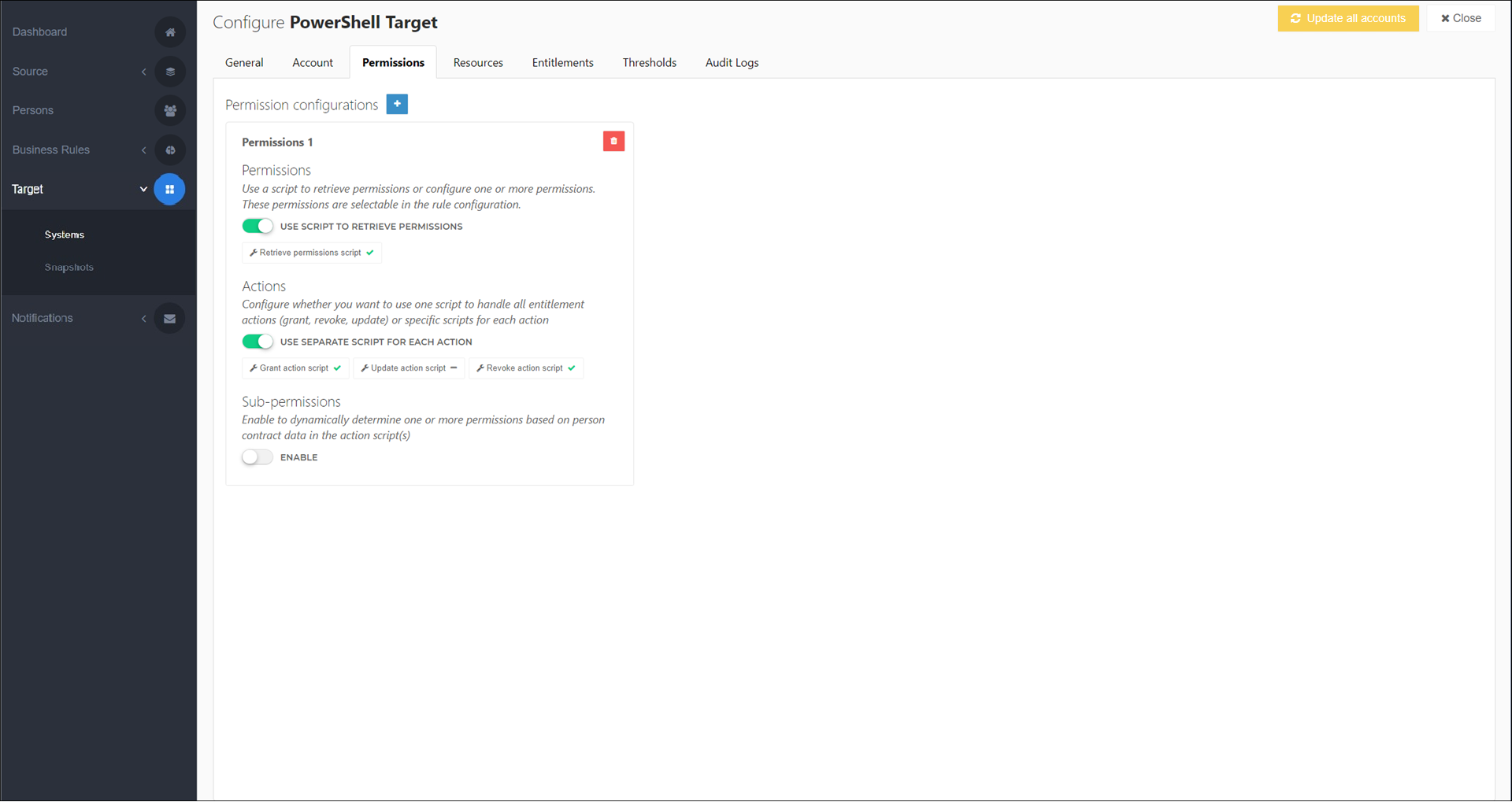
To rename the permission set, click its name (e.g.,
Permissions 1) and enter a new value.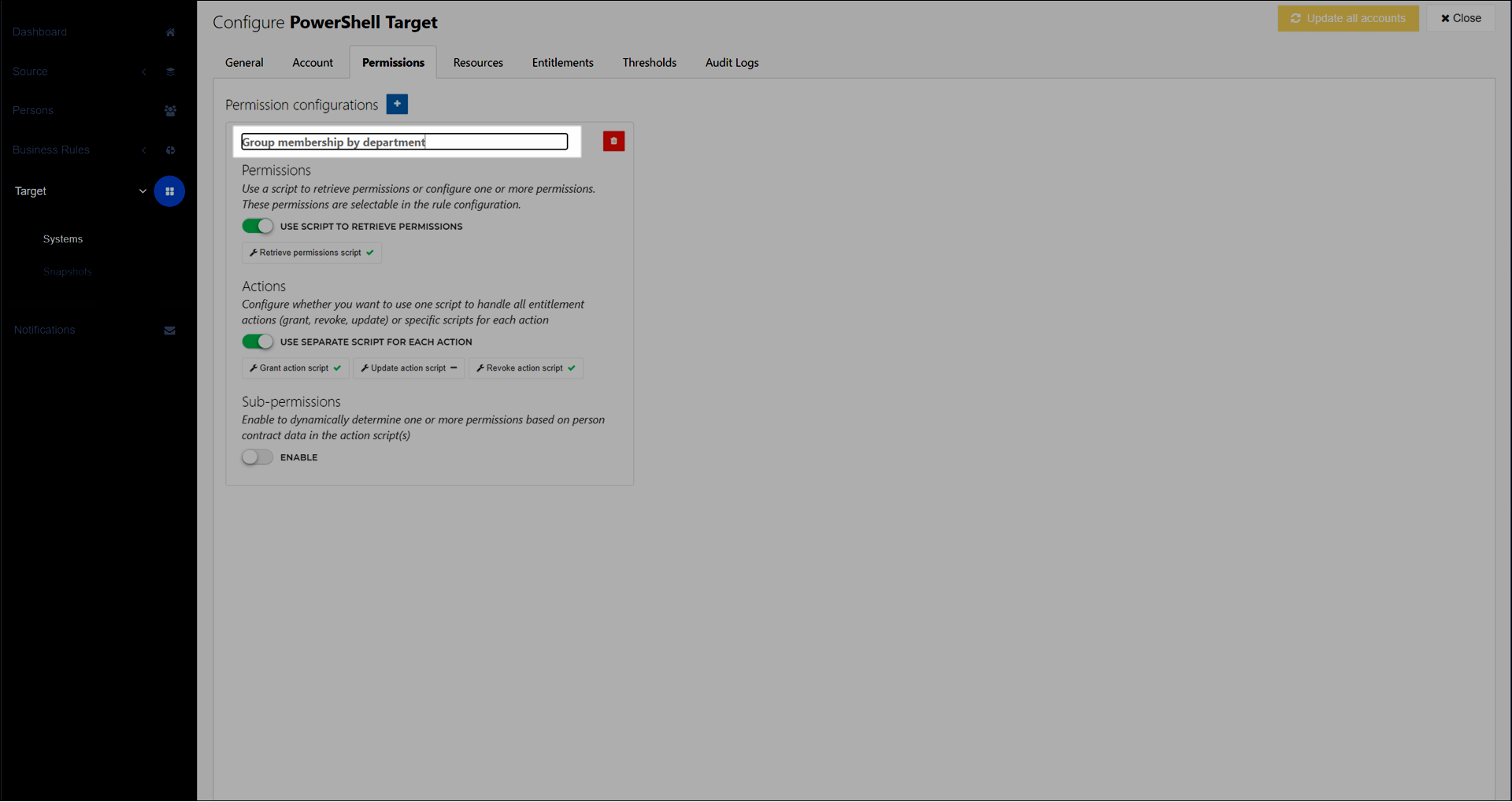
Your changes are automatically saved.
Continue by following the instructions in Configure a permission set.
For the relevant PowerShell v1 target system, Edit a target system.
Go to the Permissions tab.
Continue by following the instructions in Configure a permission set.
For the relevant PowerShell v1 target system, Edit a target system.
Go to the Permissions tab.
For the relevant permission set, click
 Delete.
On the Confirm Deletion dialog box, click Delete to confirm.
Tip
View entitlements to see which business rules still assign permissions from the removed permission set.