HelloID

Exclude persons via source mapping

For more information, see Exclusions.

  1. For the relevant source system, Edit a source system.

  2. Go to the Person tab.

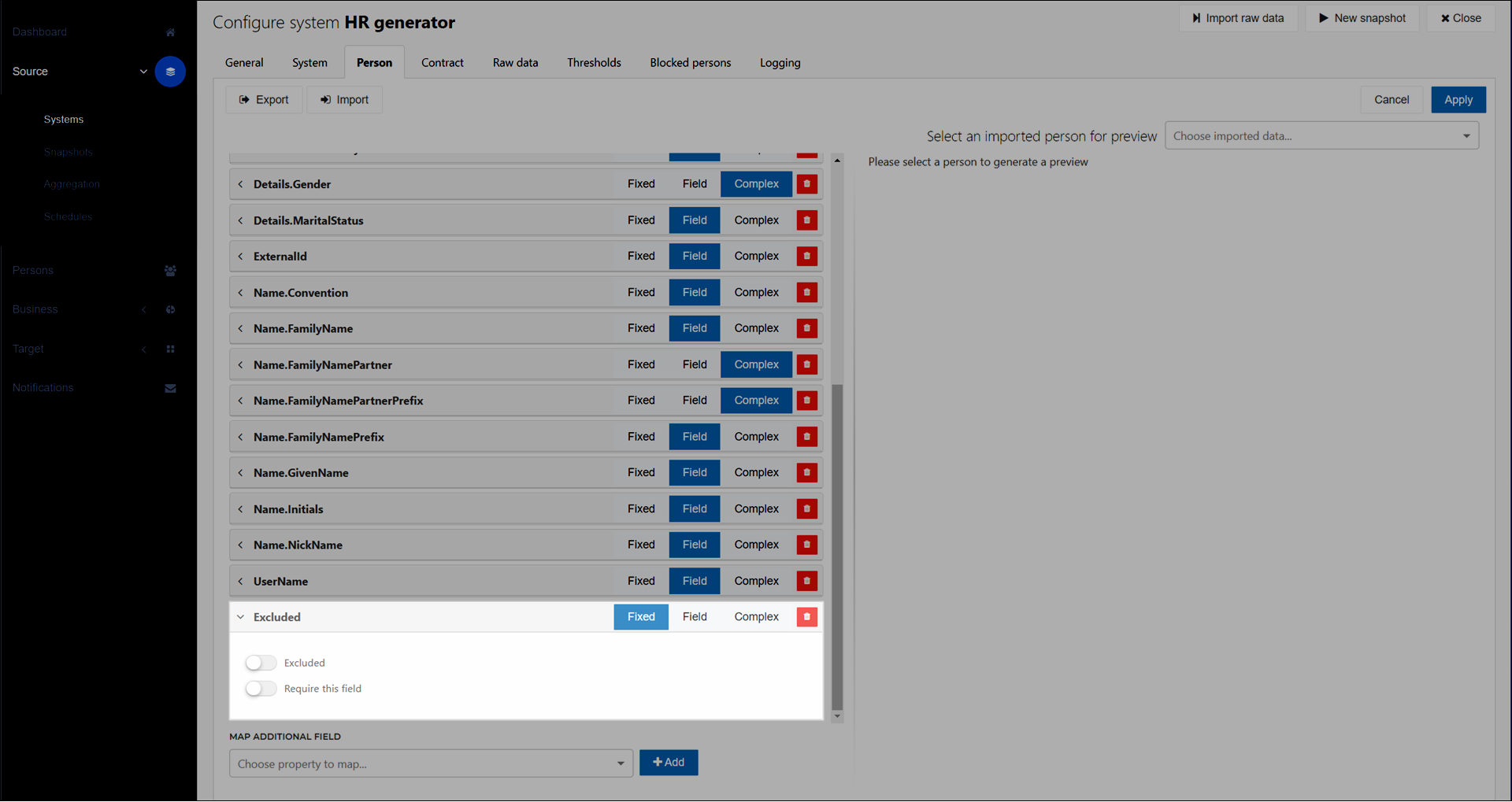
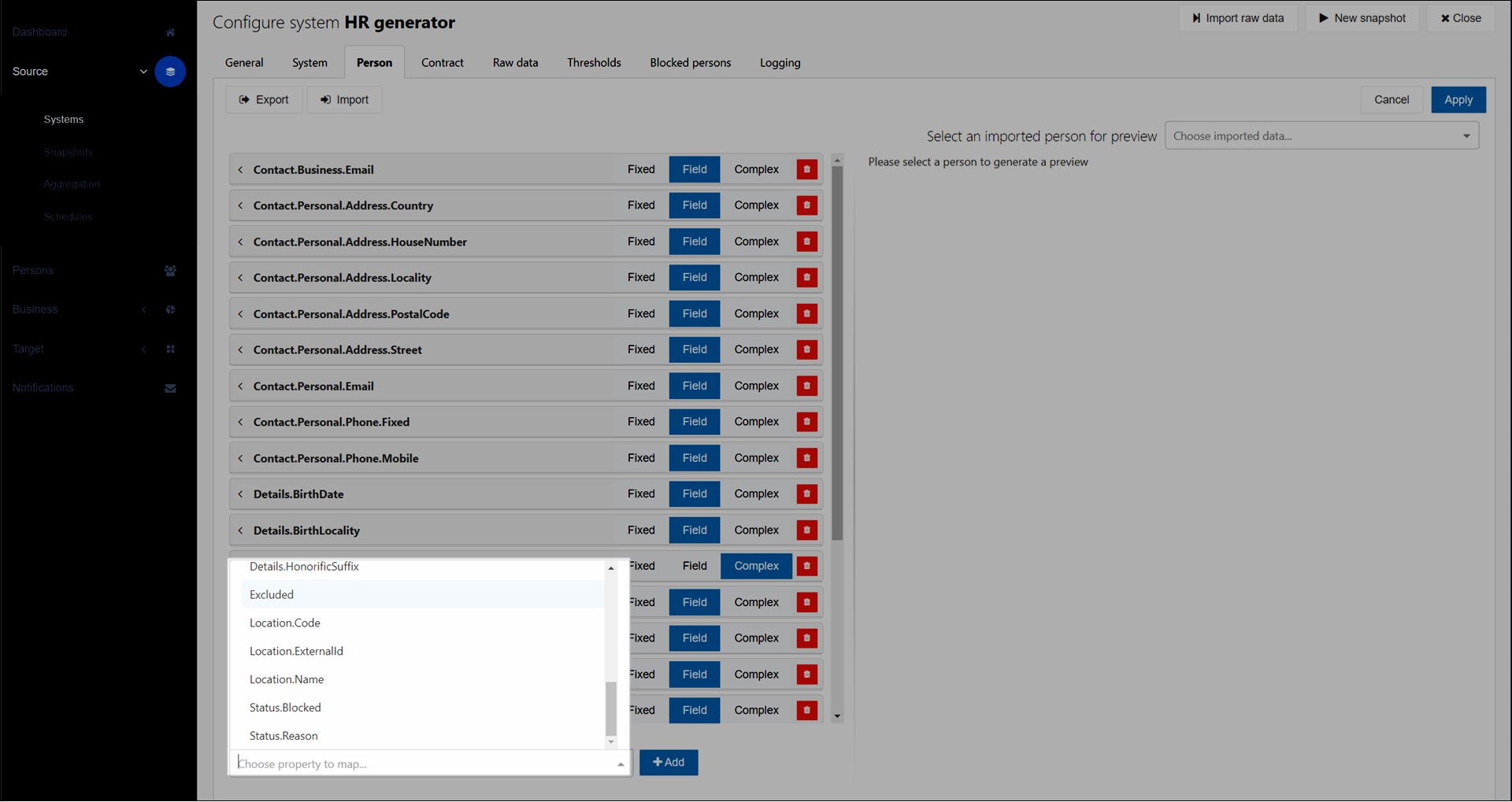
  3. Add the Excluded field to person mappings by following the instructions in Map an additional field.
    Source_Systems_Person_ExcludedField.png
  4. Click the Excluded field to expand it.

    Source_Systems_Person_ExcludedField_Fixed.png
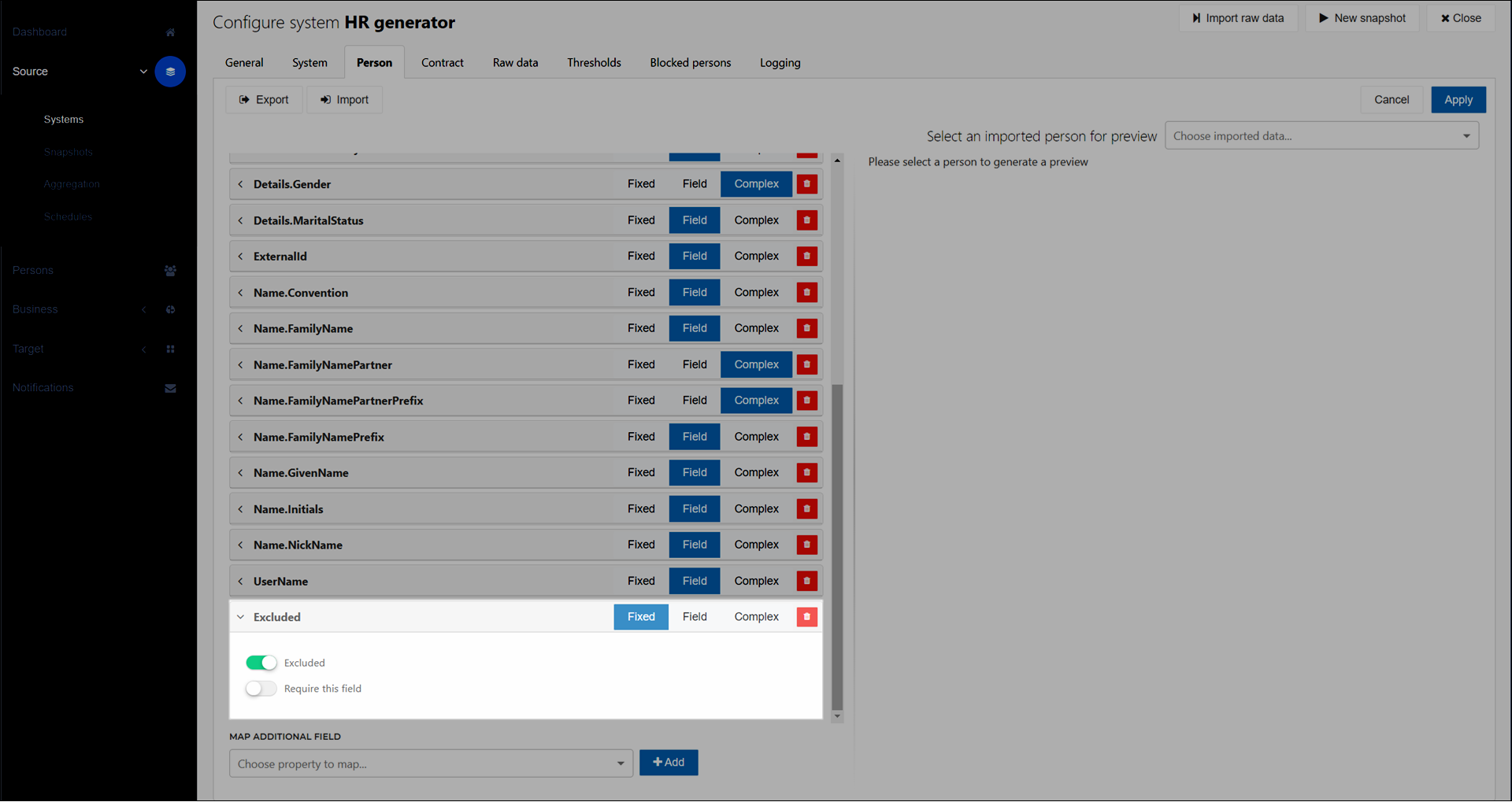
  5. Select Fixed, Field, or Complex for the field type.

    1. Fixed: When you select this field type and enable the Excluded toggle, all persons in this source system will be excluded. Do not use this field type if you only want to exclude certain persons.

      Source_Systems_Person_ExcludedField_Fixed_Toggle.png
    2. Field: The field from your raw data should contain the boolean value true or false. Persons with a true value are excluded.

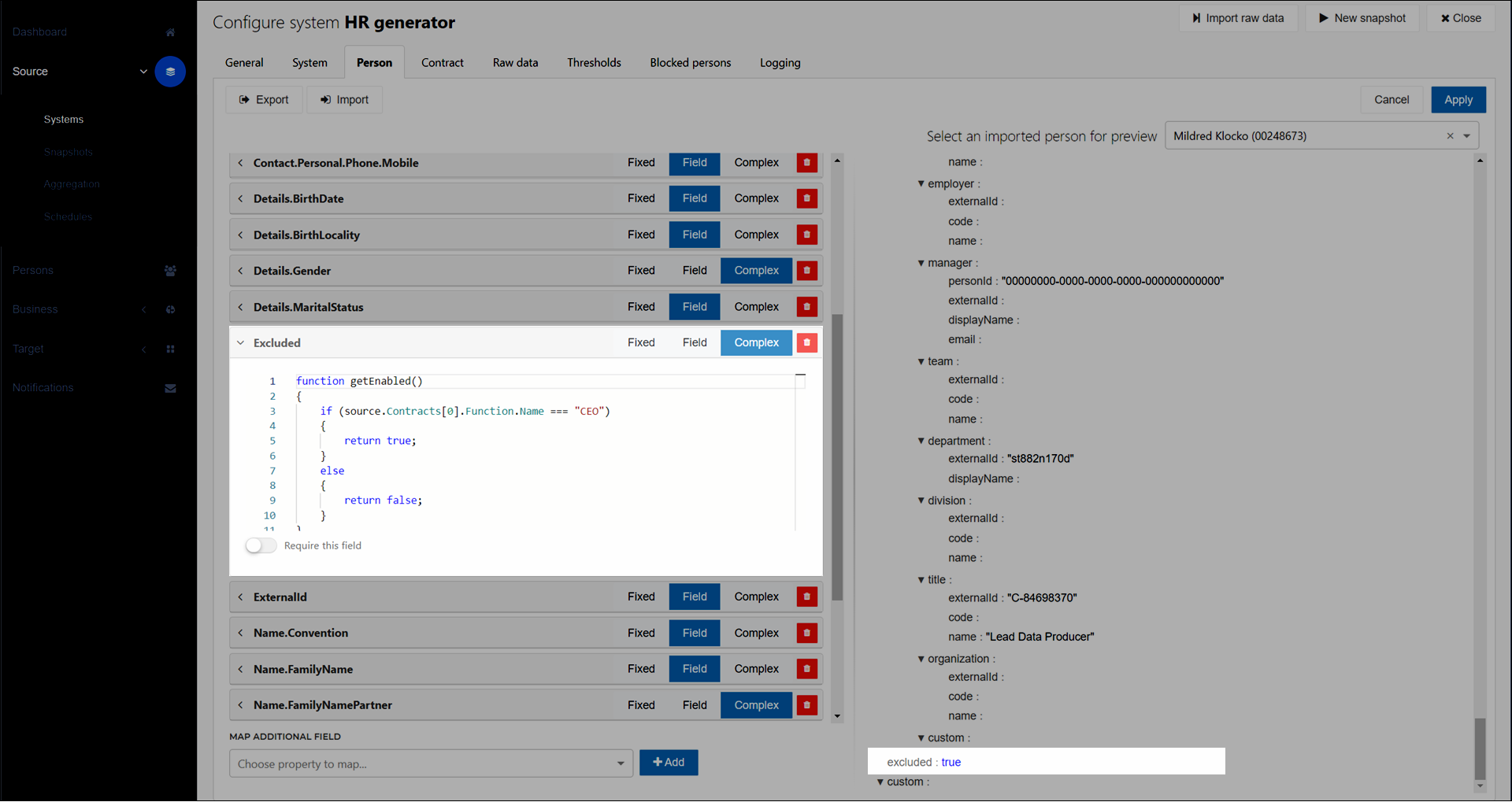
    3. Complex: Use Complex mappings to determine the exclusion status. The function must return a boolean value. For example:

      function getEnabled()
      {
          if (source.Contracts[0].Function.Name === "CEO")
          {
              return true;
          }
          else
          {
              return false;
          }
      }
      
      getEnabled();
      Source_Systems_Person_ExcludedField_Complex.png

      The following code can be used when testing Provisioning.

      To test the business rules with a single person, set the personNr value to the ID of the selected test person.

      To test the business rules for all persons in department, comment out the single-person test code, uncomment the for loop, and adjust the contract field name and case value to match your source data.

      function getExcluded() {
          let contracts = source.Contracts;
          let exclude = true;
      
          //for loop to test with one department    
          //for (let i = 0, l = contracts.Count; i < l; i++) {
          //    let contract = contracts[i];
          //    switch (contract.pos_Dept_code) {
          //        case "I&A":
          //            exclude = false;
          //            break;
          //    }
          //}
      
          //code to test with one person
          let personNr = source.ExternalId
          if (personNr === '74330') {
              exclude = false;
          }
          
          return exclude;
      }
      
      getExcluded();

Affected persons will be excluded from Enforcement during the next snapshot. They are listed in the Excluded Persons pane in Business > Exclusions, and labeled with the Source indicator.
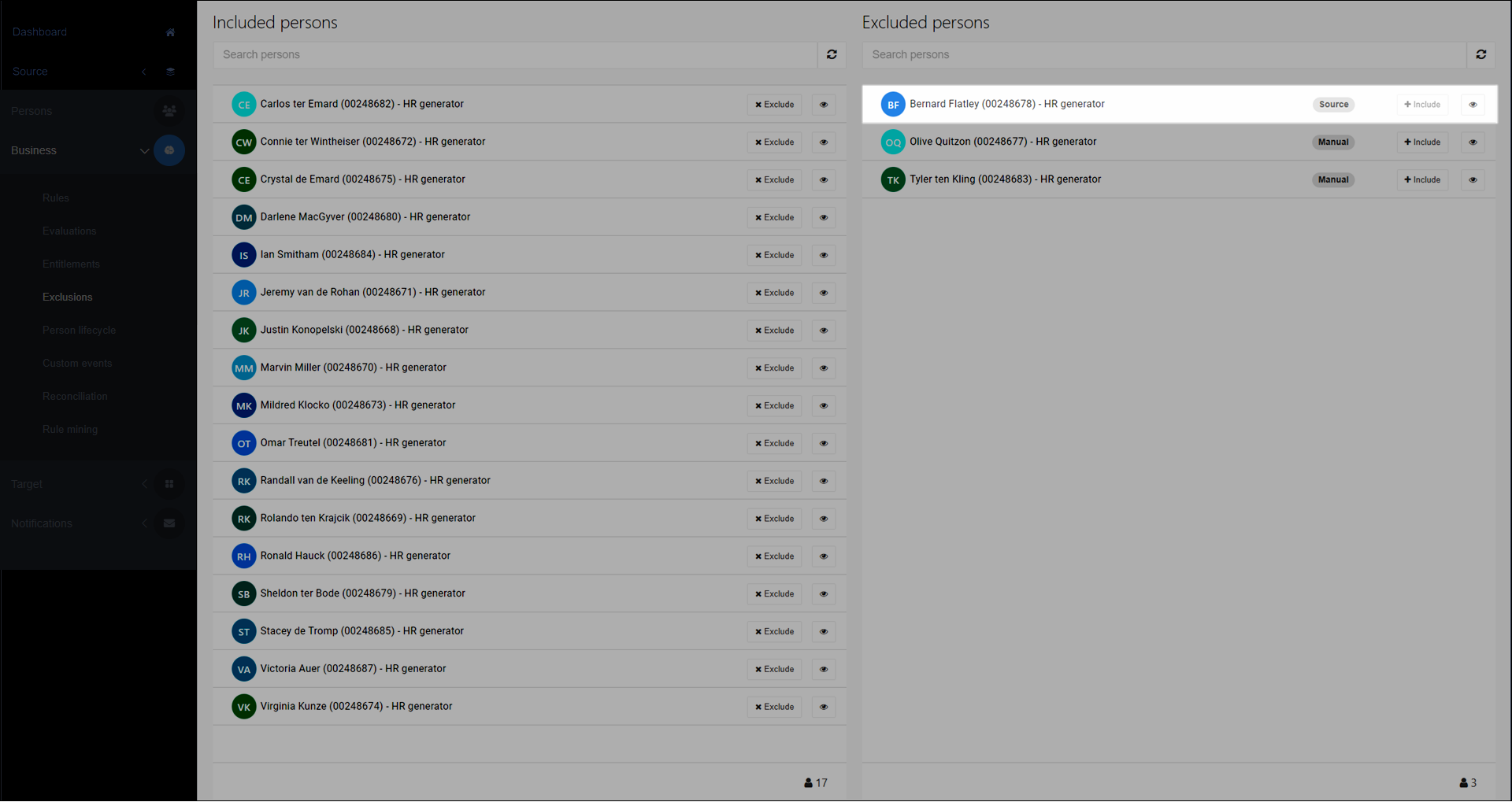
Business_Exclusions_ExcludedPersons.png

To re-include persons, Re-include a person.