View target snapshot logs
For more information, see Target snapshots.
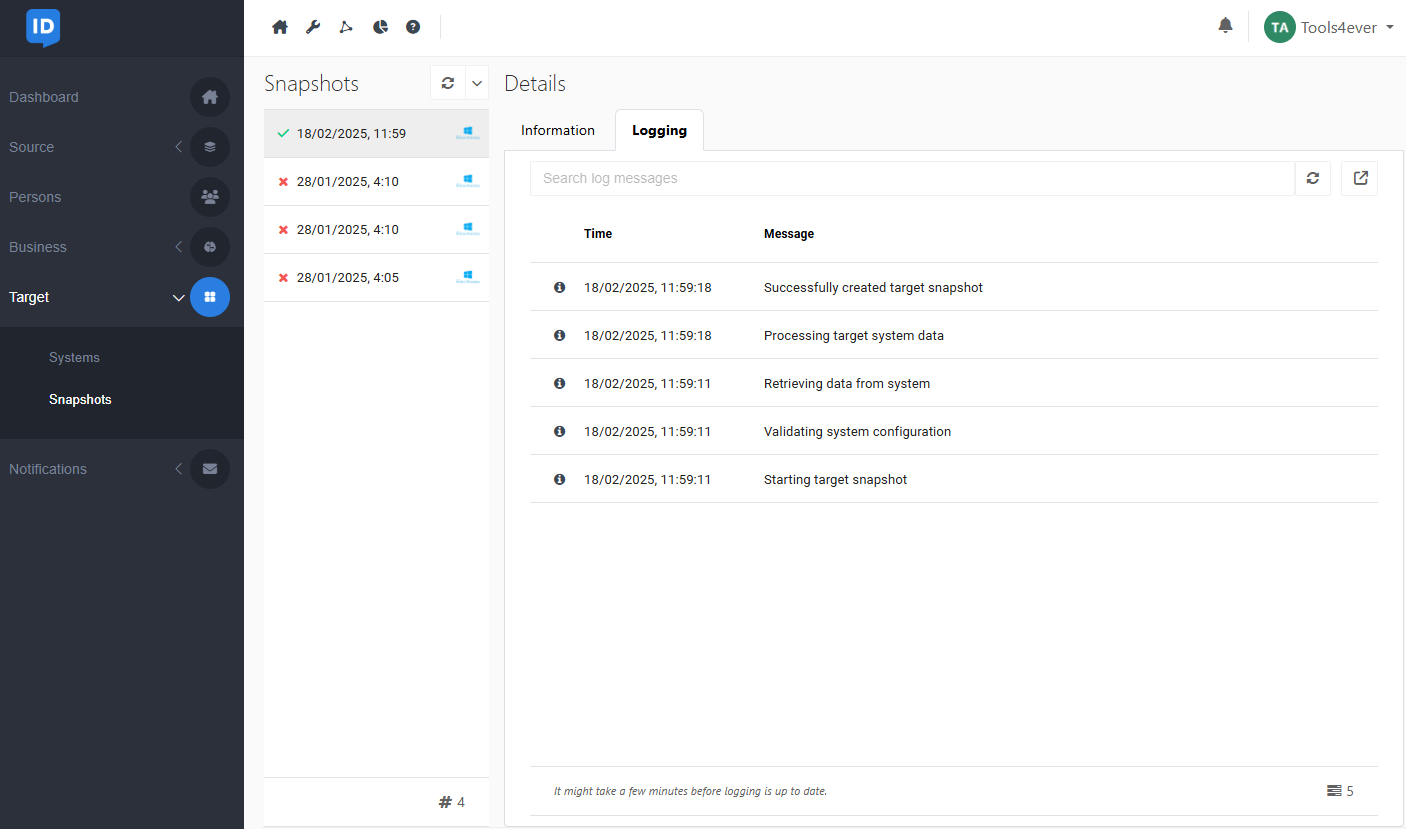
Go to Target > Snapshots.
In the Snapshots pane, select the relevant snapshot.
Go to the Logging tab.
The selected snapshot's logs are displayed.
Note
Process logs are retained for 30 days.