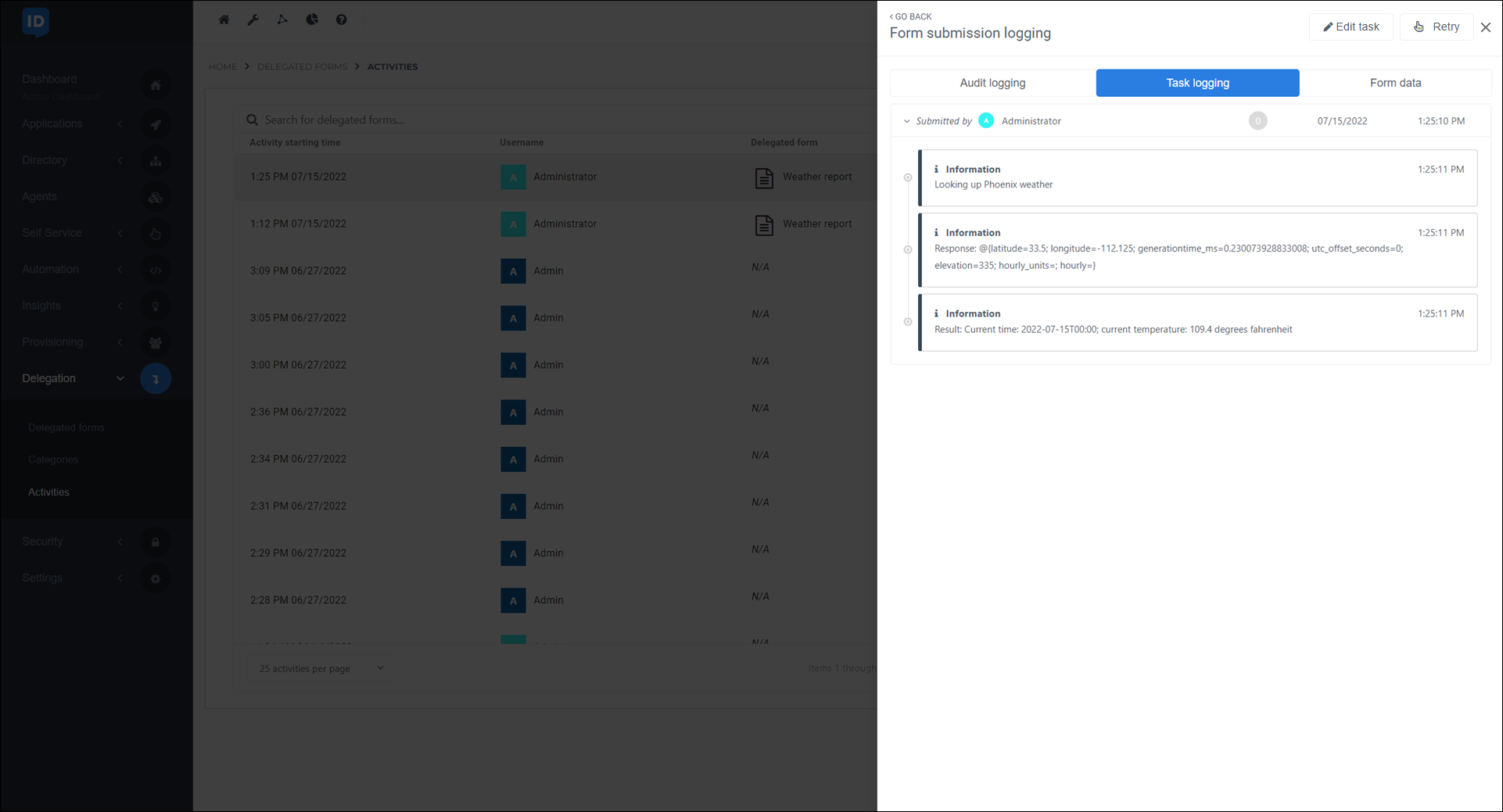
View task logs for a delegated form submission
Go to Delegation > Activities.
Look up the relevant delegated form submission.
In the search bar at the top you can enter the name of the delegated form, or the user's first name, last name, user name, or email.
Use the Submission and Task state filter buttons to narrow the results.
For the relevant delegated form submission, click
 View details.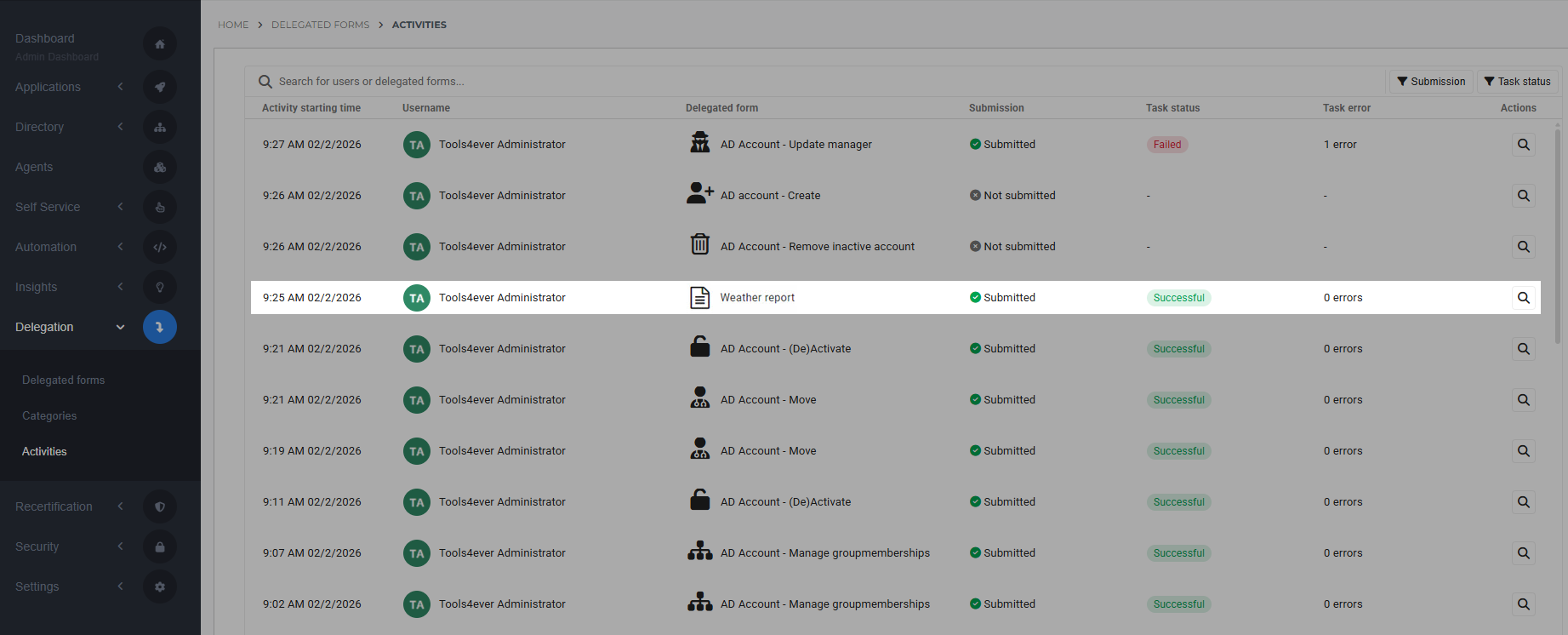
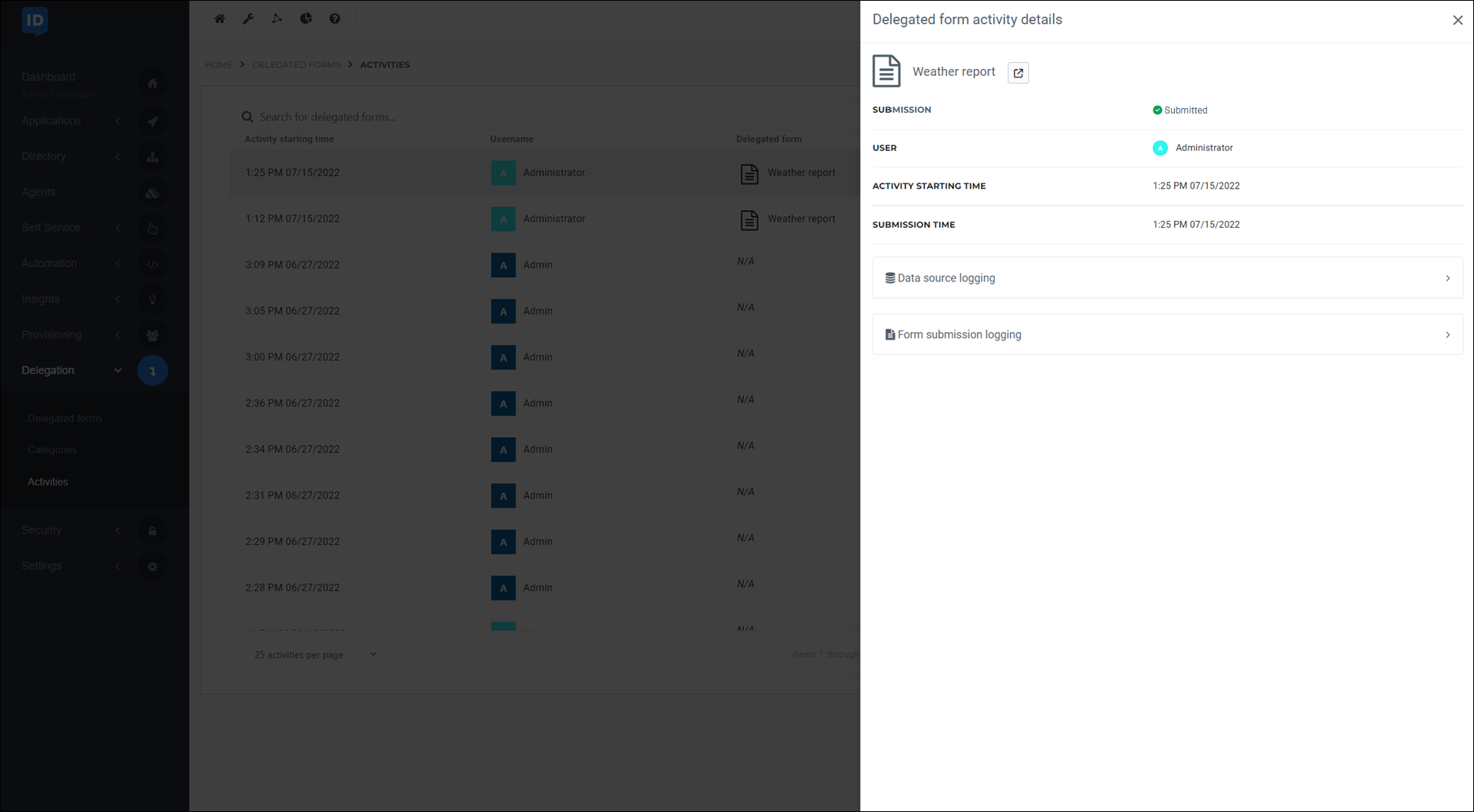
Go to Form Submission Logging.
Go to the Task Logging tab.
The PowerShell script logs for this submission are displayed.