Share a direct link to request a product
You can generate a routing URL that allows a manager or product owner to request a product for a specific user.
Go to the
 User dashboard.
Either:
Go to Management > Managed products.
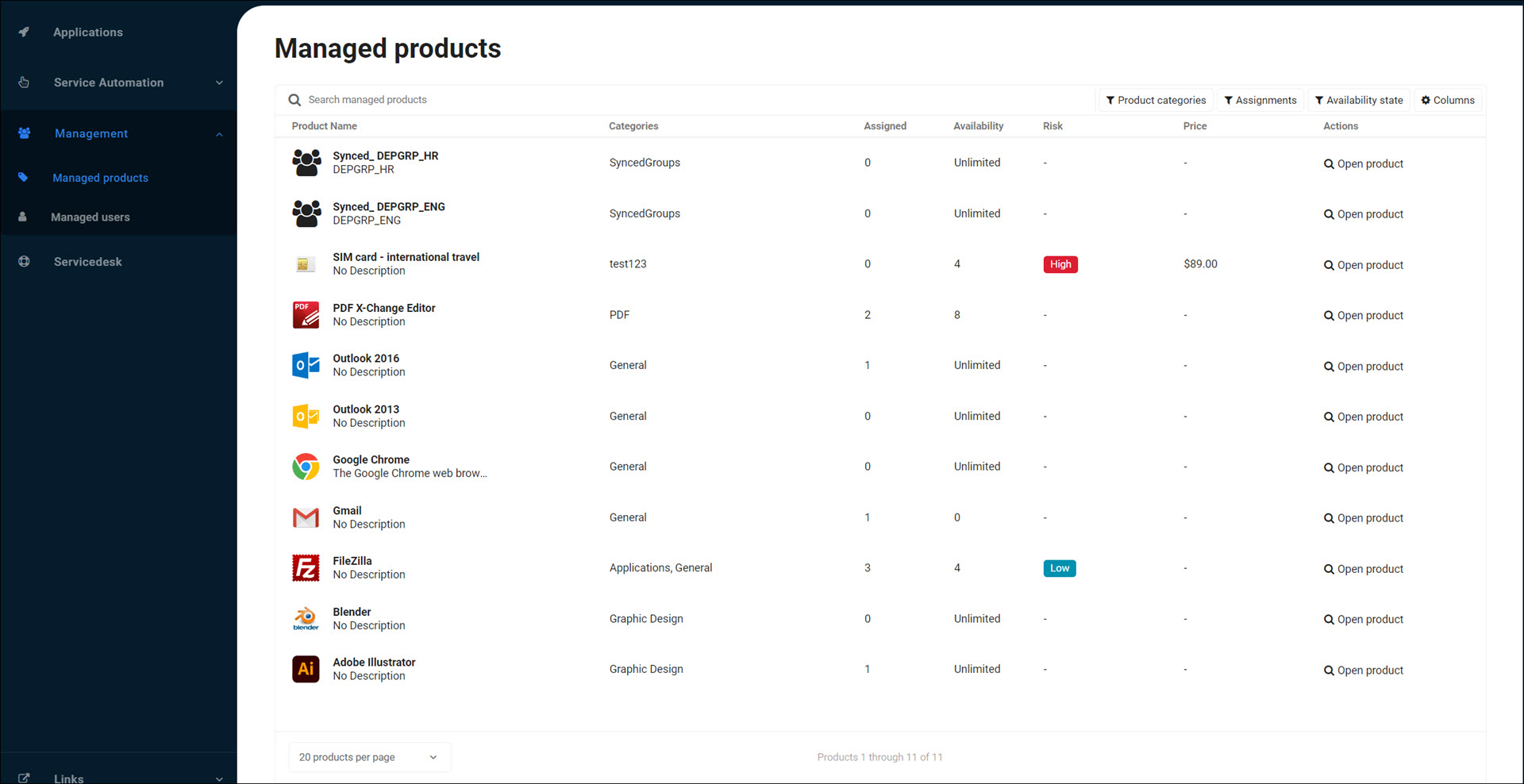
For the relevant product, click Open product.
For the relevant user, click
 Request product.
Or:
Go to Management > Managed users.
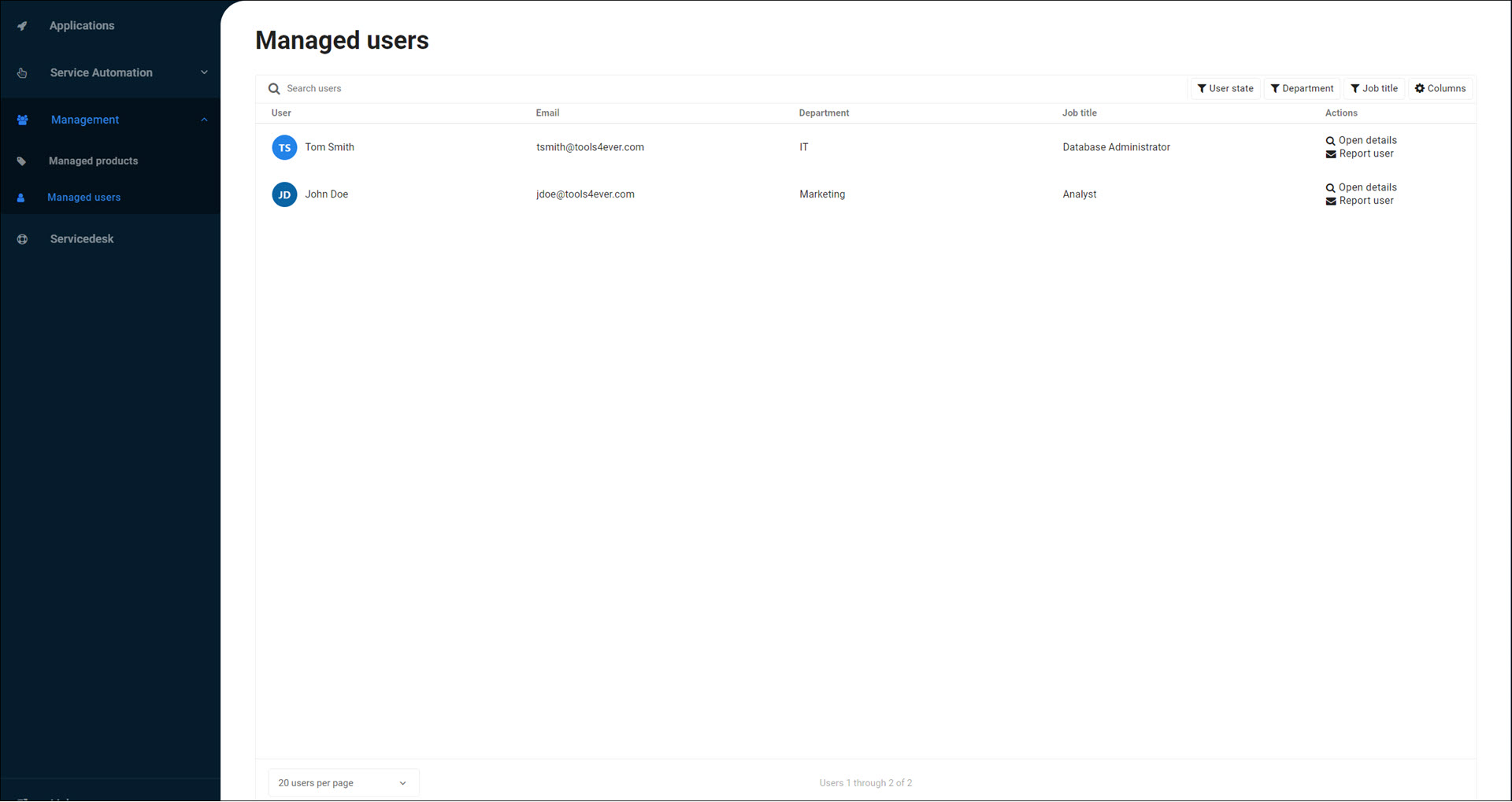
For the relevant user, click Open details.
For the relevant product, click
Request product.
The page's URL contains the user ID, user name, and product ID. For example: https://jdoe.helloid.training/app/selfservice/managedusers/97c02604-80ab-4165-97e4-e8b6124e2f4a/Amy-Parker/products/0febc878-6df4-4126-9f9a-fb76136aeb88.
Copy the page's URL and provide it to the manager or product owner, for example, by email.