Products
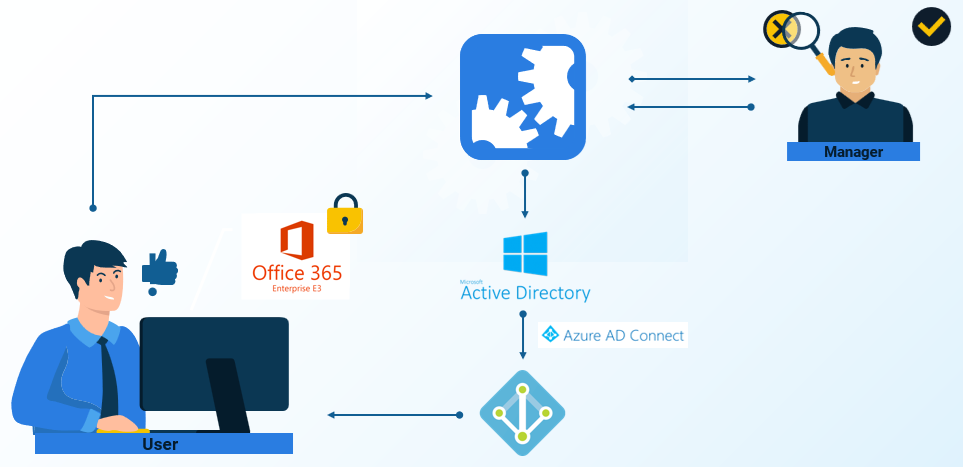
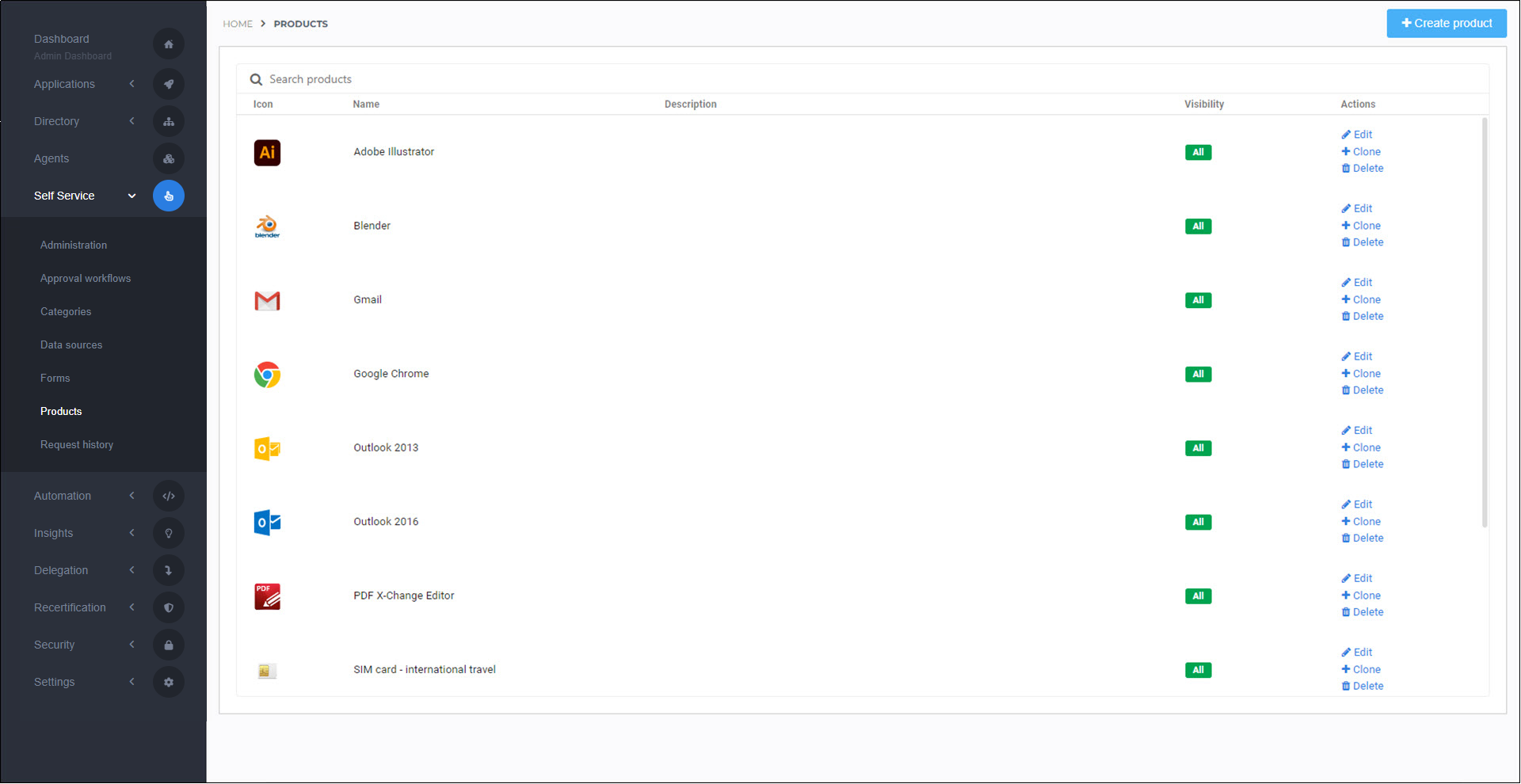
Products are designed for requesting and managing permissions through self-service. Users can request them through the User dashboard (see Products for users).
A few common examples are:
Group memberships
Access to a shared mailbox, SharePoint sites, file shares, or folders on your network
Desktop or mobile software (including SSO Applications in HelloID)
Physical items such as a cellphone or a laptop
HelloID manages the entire inventory management process, including delivery and return. For permissions and digital items, HelloID can automate delivery and return. For physical items, HelloID can automate the process right up until the point that human intervention is required (e.g., to hand off a piece of equipment).
All Product requests proceed through the Product request lifecycle.
Additionally, you can:
Organize products into Product categories,
Configure and use different Approval workflows for products.
Use Dynamic forms to let end users submit additional information, for example, to use that information in product actions.
Run Product actions (aka Tasks and actions) during various stages of the product request lifecycle.
To get started, Add a product.
Note
If you are using the Provisioning module for automated permission grants, consider whether a product is necessary at all. Provisioning may already handle it or be able to handle it through existing or new business rules.
Tip
To automate IT helpdesk tasks that don't involve permissions or inventory of some kind (e.g., create a mailbox, or reset a password), use Delegated forms instead of products.
See Products vs. delegated forms to learn how to choose between products and delegated forms.