Product request lifecycle
All Product requests go through the product request lifecycle. It comprises eight possible states. You can configure Product actions for all states except Pending Approval, Recertifying and Recertified.
Requested
When a user, manager, or product owner submits a product request on the User dashboard, the request immediately enters the Requested state.
If there are any Product actions configured for this state, they are executed.
All tasks configured for the Requested state must execute successfully before it can end. If any attached task(s) fail, the request remains in this state, with a Task State of Failed. For example:
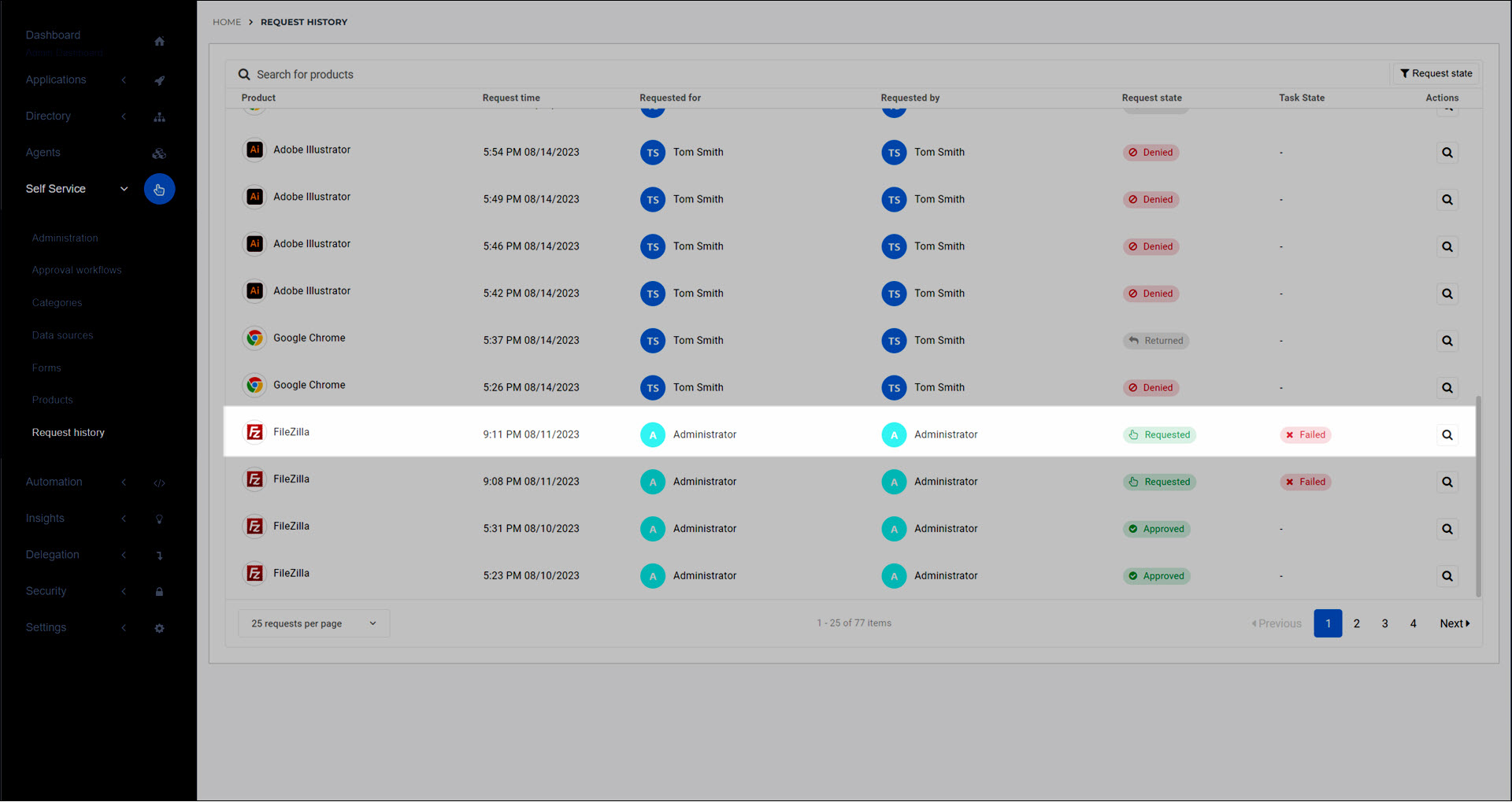
To resolve this situation, either Retry a product action run until it succeeds, or manually perform the needed update(s) in your organization's systems, and then Mark a product action as succeeded.
When the Requested state ends, the request enters the Pending Approval state.
Pending Approval
When a product request enters the Pending Approval (aka Pending) state, it proceeds through its assigned approval workflow (see Approval workflows). Product request notifications & reminder emails are sent to the designated responders.
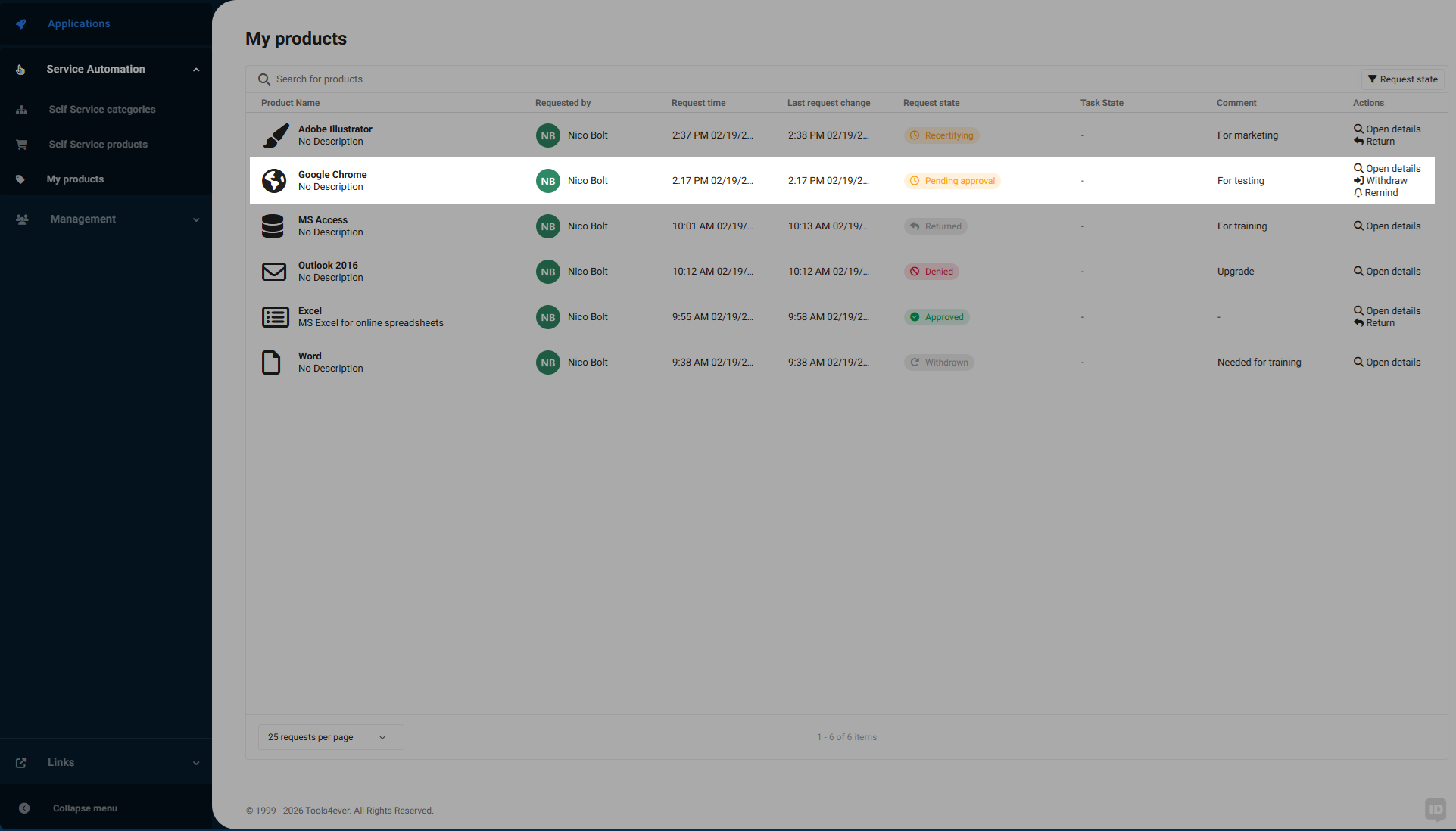
If the product is configured with the Auto Approve approval workflow, this state is skipped.
When the Pending Approval state ends, the request enters the Approved state.
Approved
A product request enters the Approved (aka Assigned, aka Success) state when:
Designated responders approve the request according to configured Approval workflows, or;
An administrator approves the request in Product administration, or;
Immediately & automatically after the Requested state, if the product has the Auto Approve workflow
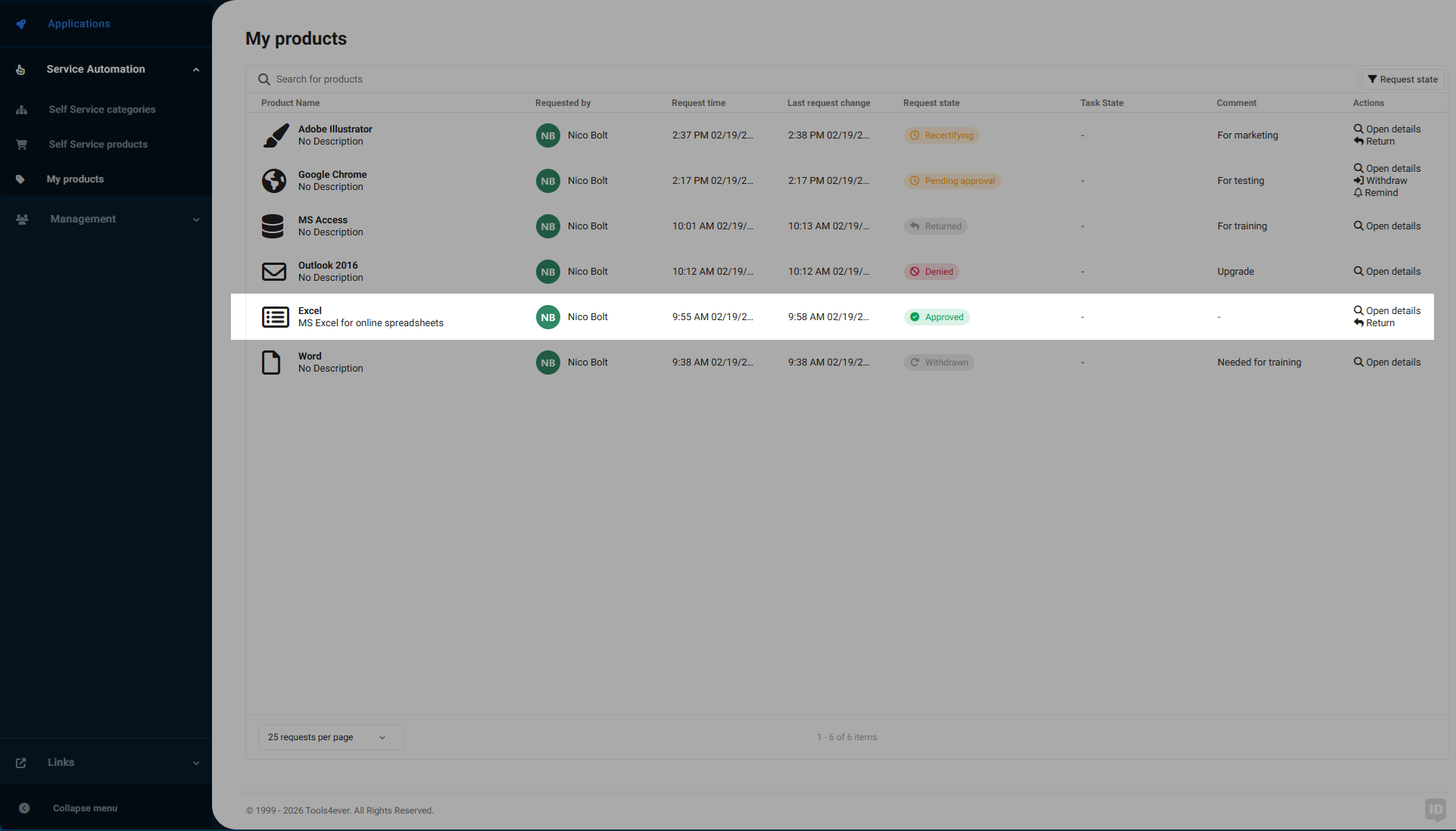
If there are any Product actions configured for this state, they are executed.
At the end of the Approved state, the user that the product was requested for now possesses the product.
Denied
When Designated responders deny Product requests (or when an administrator denies a product request), the request enters the Denied state.
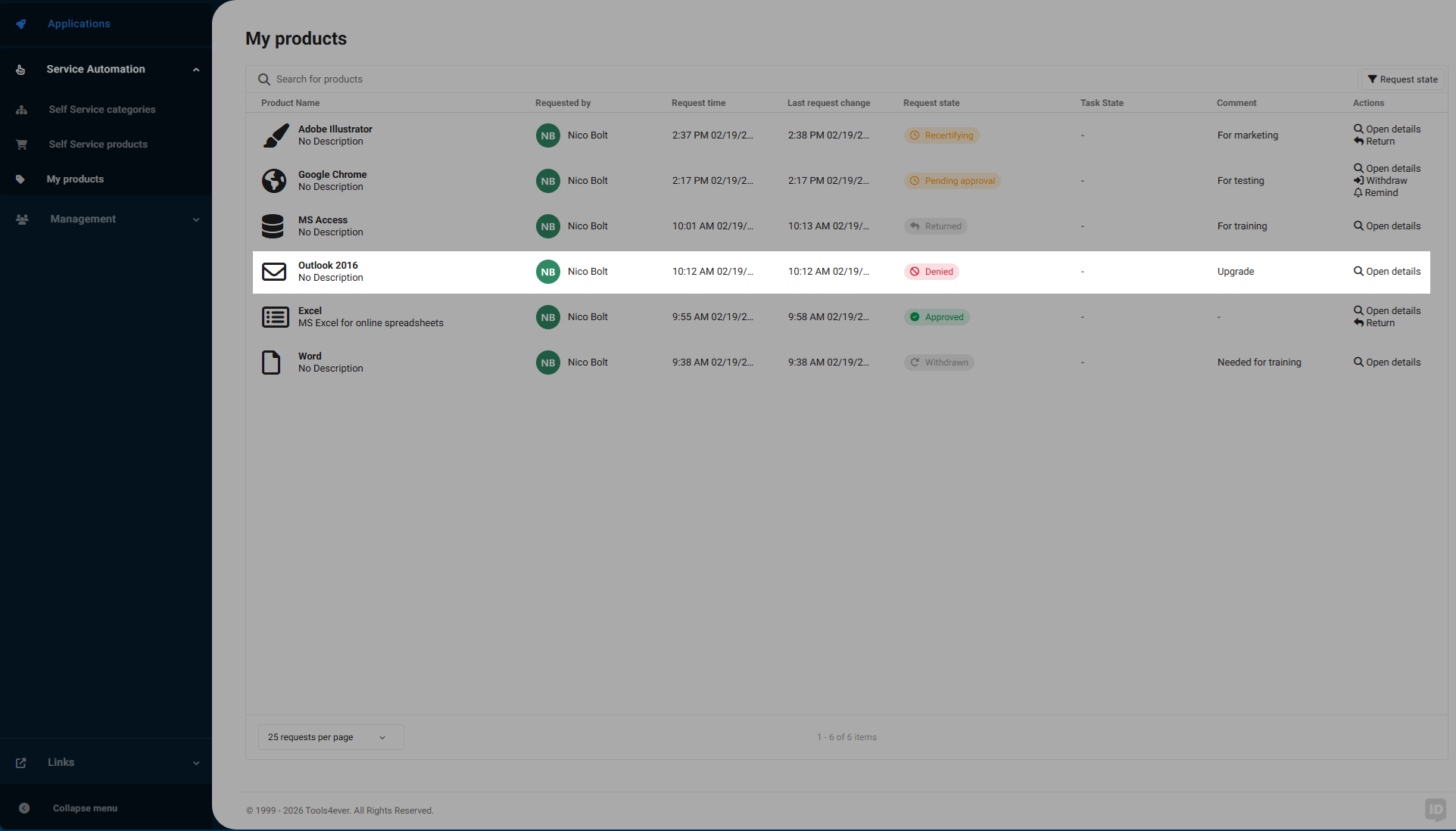
If there are any Product actions configured for this state, they are executed.
The requester does not gain possession of the product.
Recertifying
When a product request enters the Recertifying state, it was selected in a Recertification campaign. To ensure access is still justified, the product request proceeds through its assigned approval workflow again (see Approval workflows). Recertification request notifications & reminder emails are sent to the designated responders.
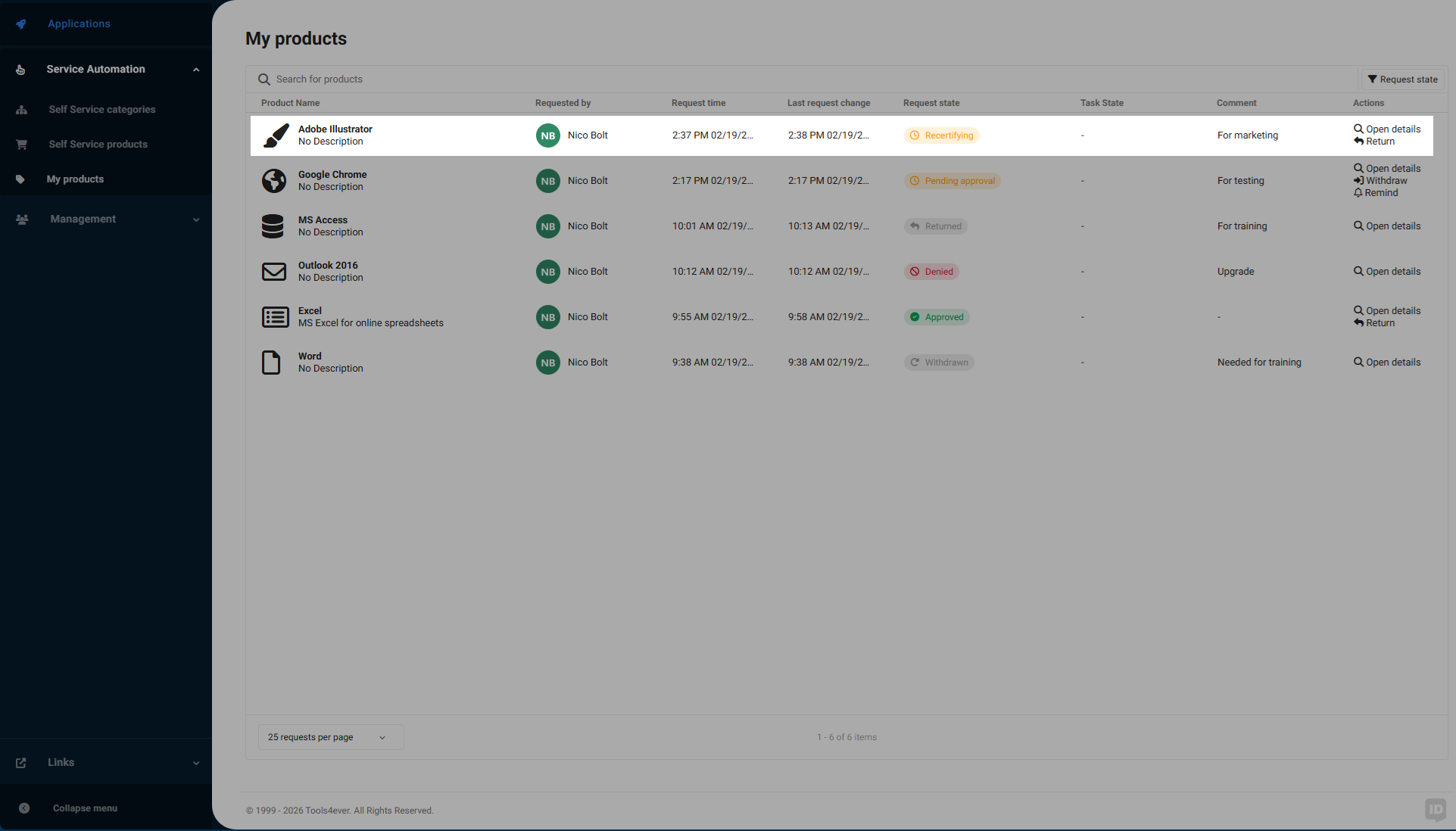
If the product is configured with the Auto Approve approval workflow, this state is skipped.
When the Recertifying state ends, the recertification request has either been approved and the product request entered the Recertified state, or the recertification request has been denied and the product is Returned.
Recertified
A product request enters the Recertified state when:
Designated responders approve the recertification request according to configured Approval workflows, or;
An administrator approves the recertification request in Recertification administration, or;
Immediately & automatically after the Recertifying state, if the product has the Auto Approve workflow.
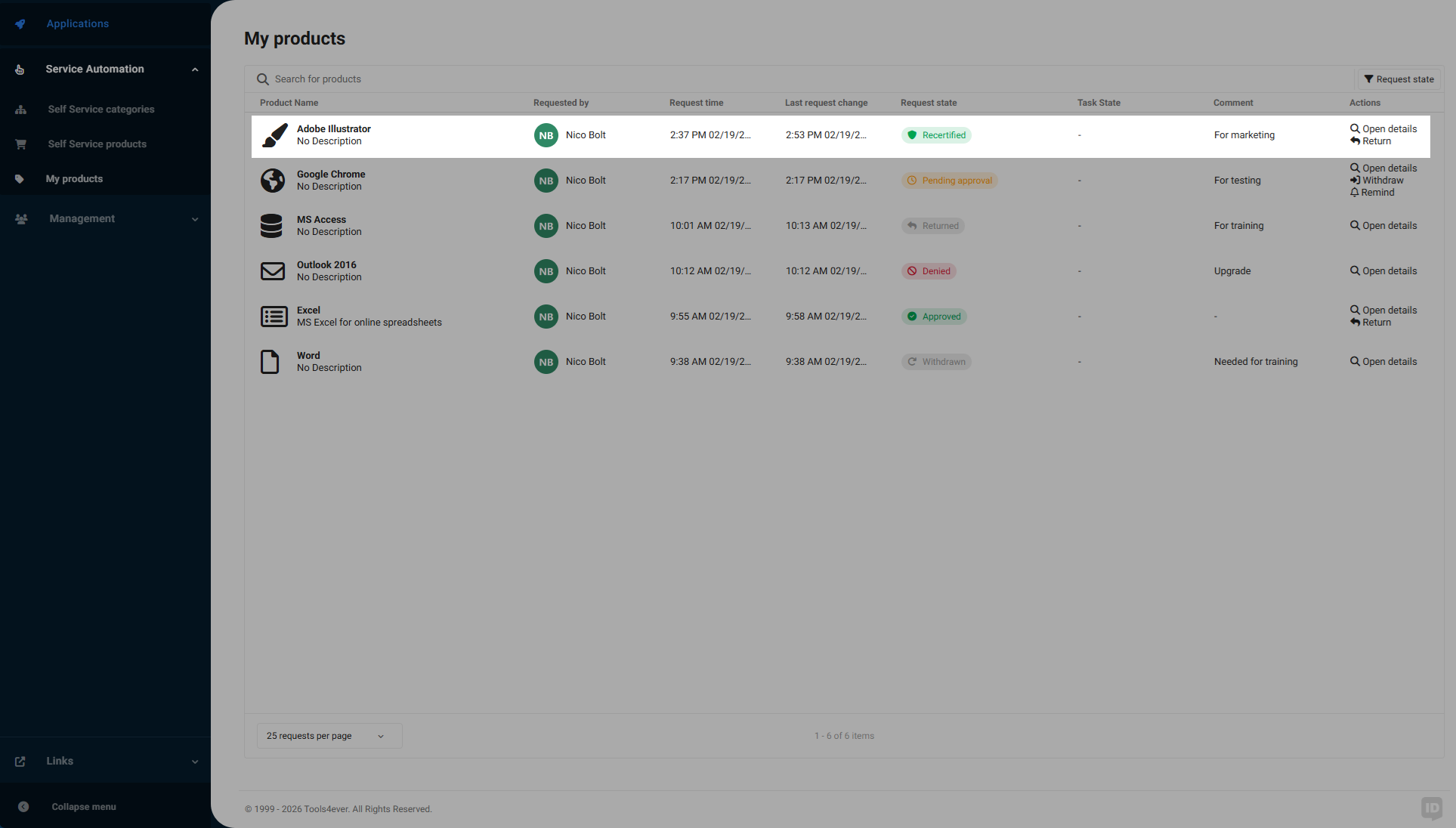
When the product request enters the Recertified state, the user for whom the product was requested retains the product.
Returned
When a user returns a product (or when Managers return products on behalf of users, or when an administrator returns a product), the request enters the Returned state.
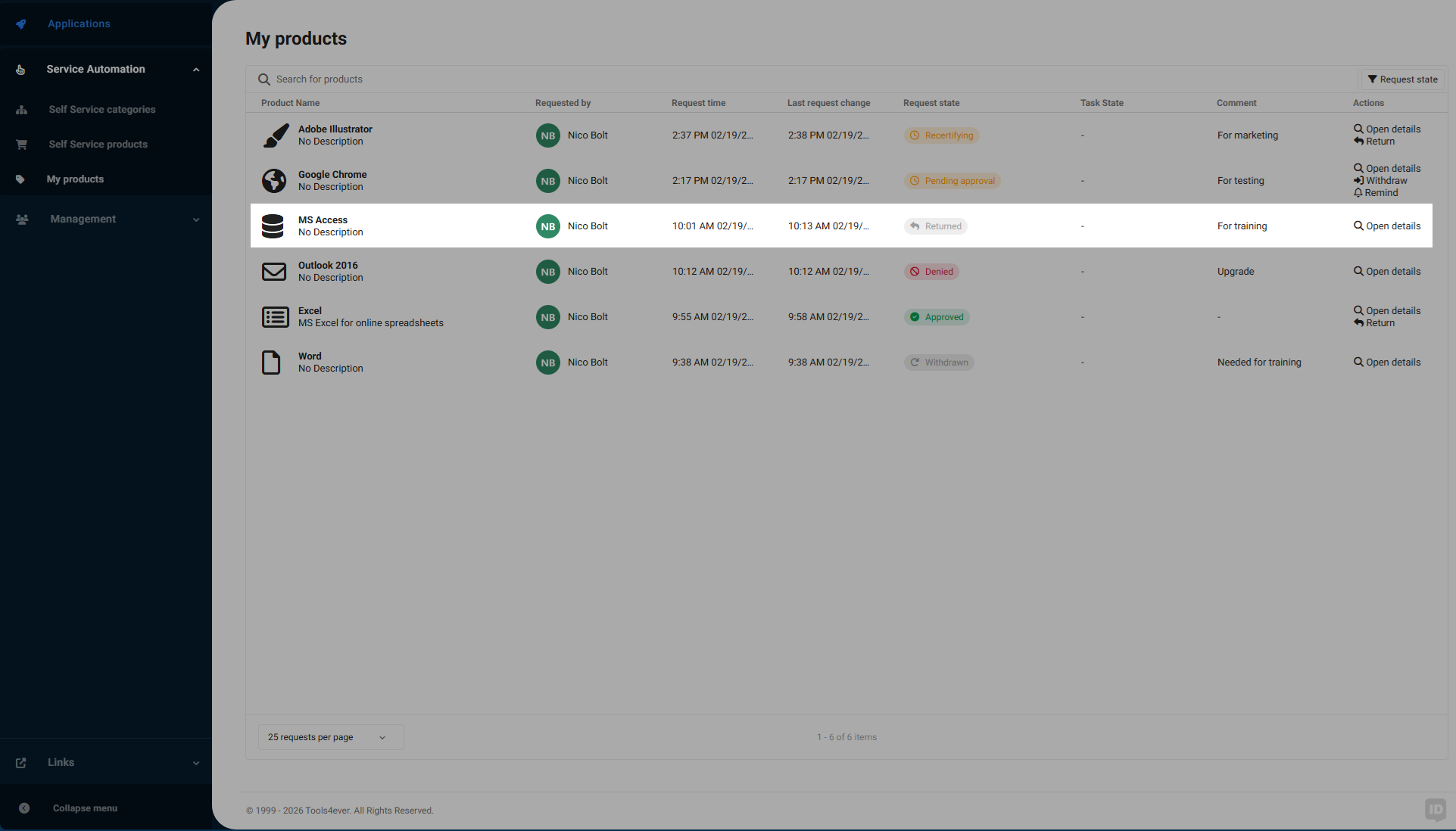
If there are any Product actions configured for this state, they are executed.
At the end of the Returned state, the requester no longer has the product.
Withdrawn
While a product request is in the Requested state, the requester can voluntarily cancel it. In this case, the request enters the Withdrawn state.
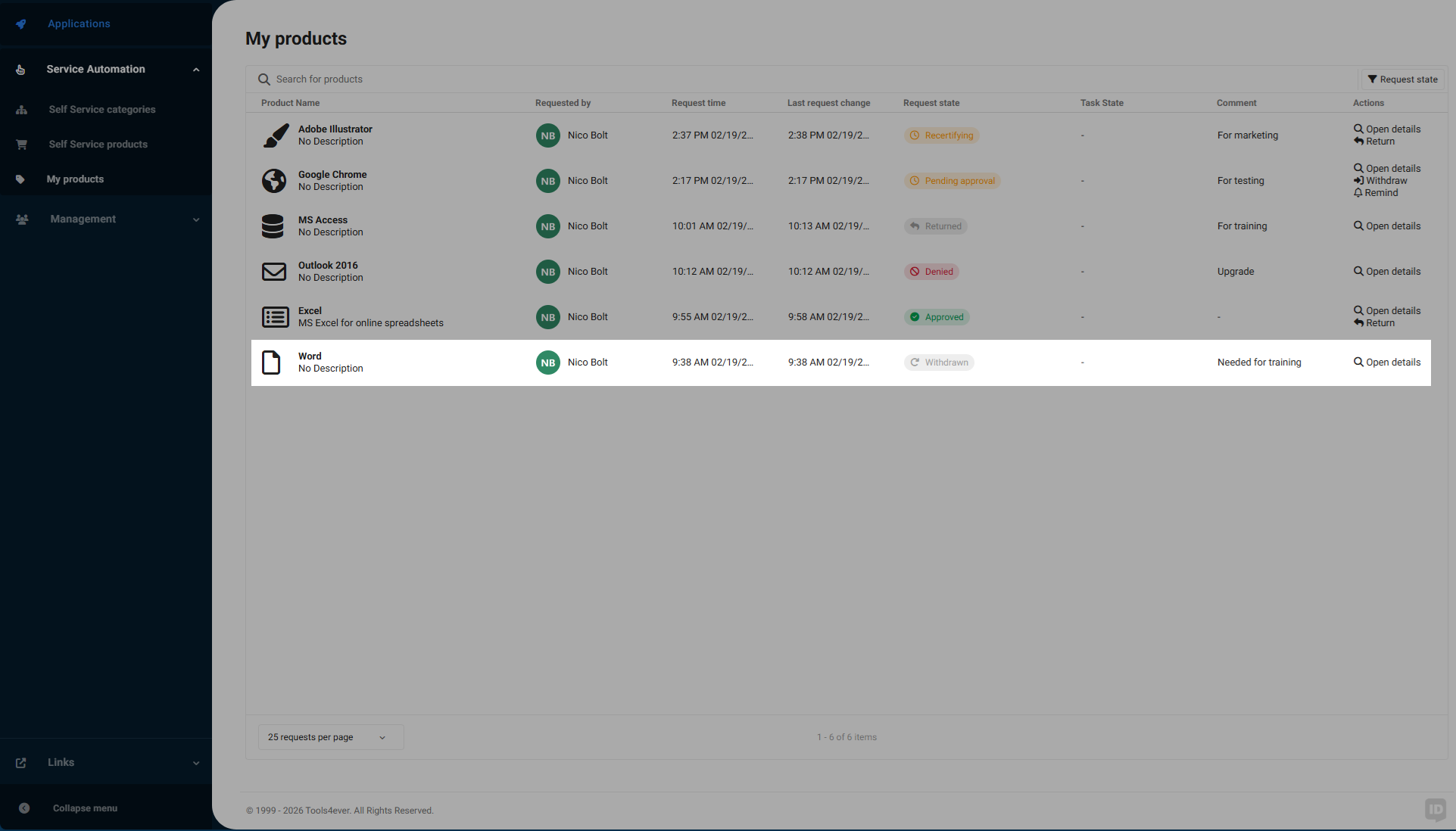
If there are any Product actions configured for this state, they are executed.