Account lifecycle (PowerShell v2 target systems)
The lifecycle of a user account consists of five stages: it is created, enabled, updated, disabled, and eventually deleted. Each stage of the lifecycle is handled by a corresponding account script that defines what should happen in the target system.
The five Account scripts are the most important part of a PowerShell V2 target system. HelloID executes these scripts during Enforcement.
The scripts may also be executed during Actions taken on Issues identified with Reconciliation.
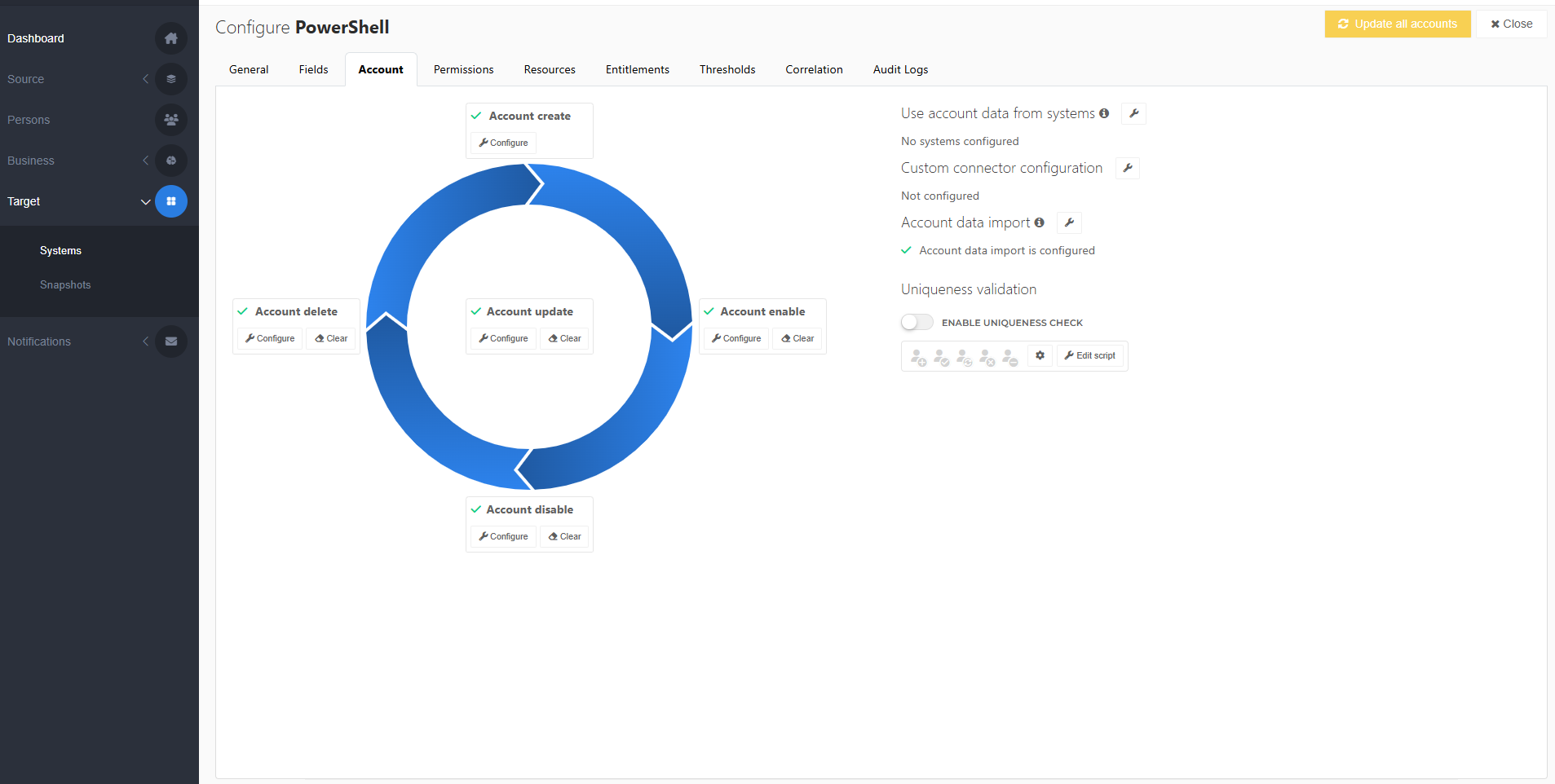
To get started, Customize an account script.
To skip a particular lifecycle stage, see Skip an account lifecycle stage. A skipped stage performs no action when the associated entitlement is granted, with one exception: A skipped Account Create stage results in a failed grant. This is because an account reference ($actionContext.References.Account) is required for subsequent lifecycle stages.