View granted sub-permissions
For more information, see Sub-permissions (PowerShell v2 target systems) or Sub-permissions(PowerShell v1 target systems).
Go to Business > Rules > Entitlements > Granted.
For a Permission entitlement which contains sub-permissions, click its
 Grid button.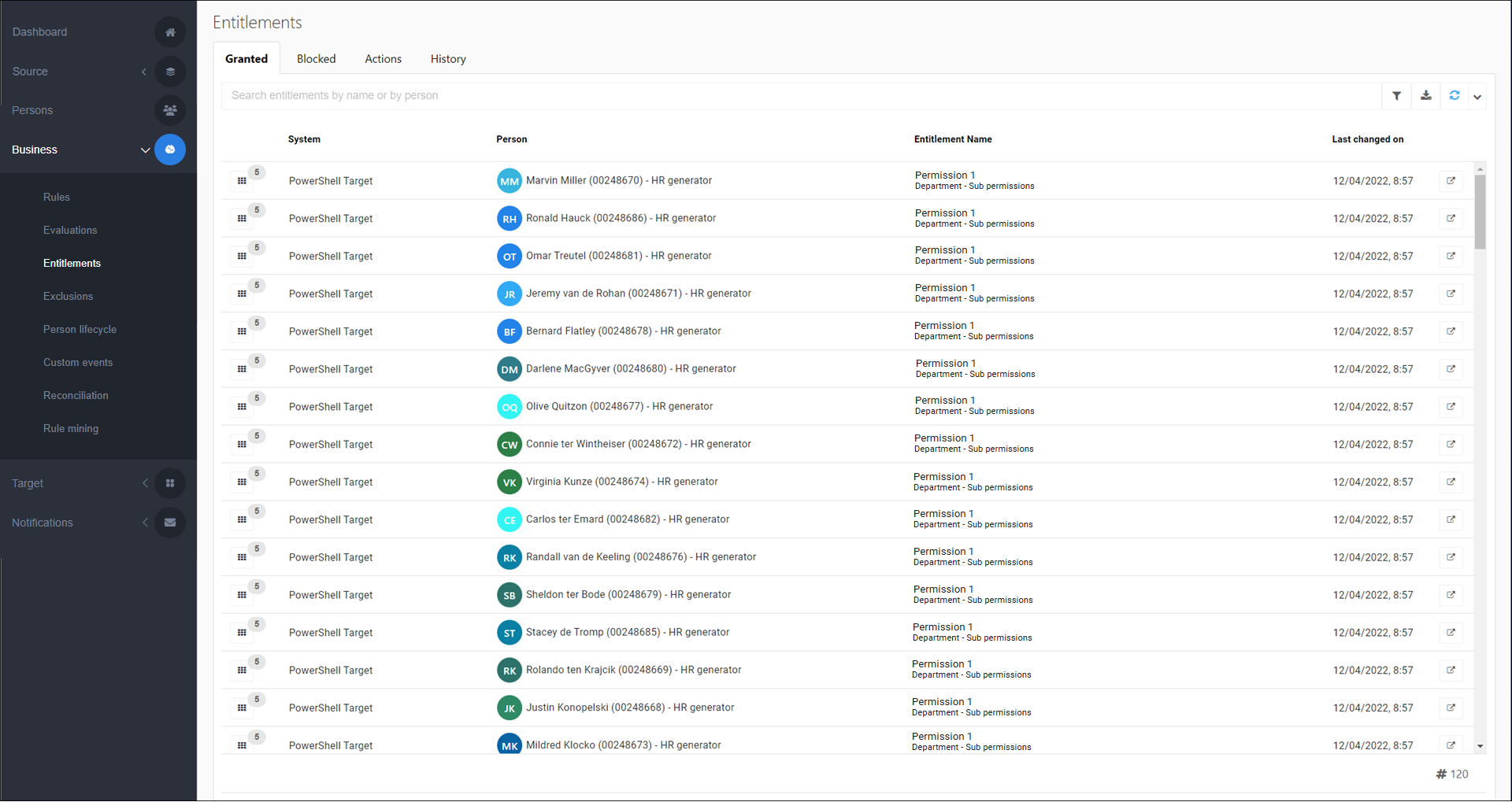
The granted sub-permissions are displayed.
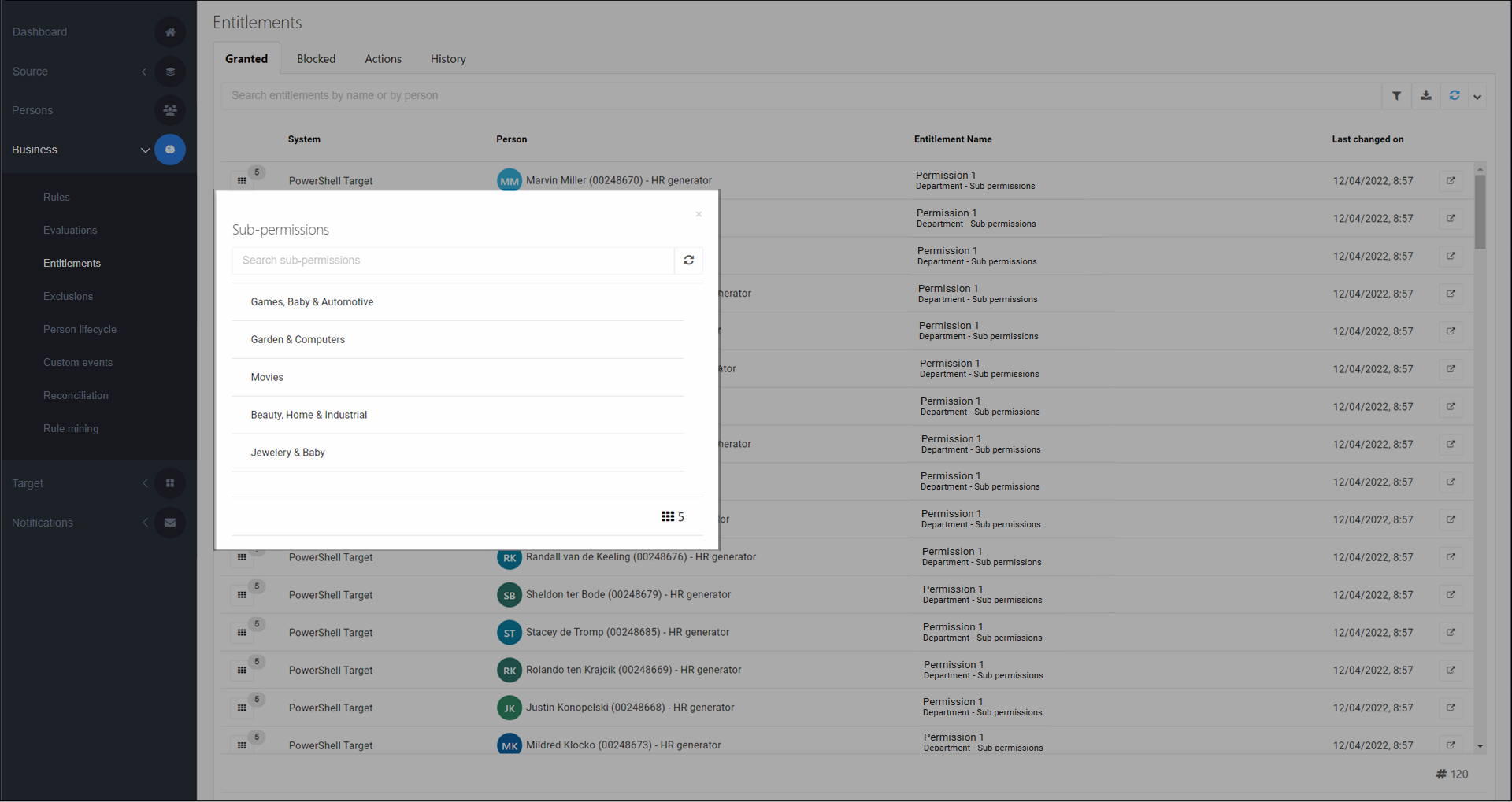
You can view the same information in Persons. See View a person's sub-permissions.