On-premises Service Automation Agent service
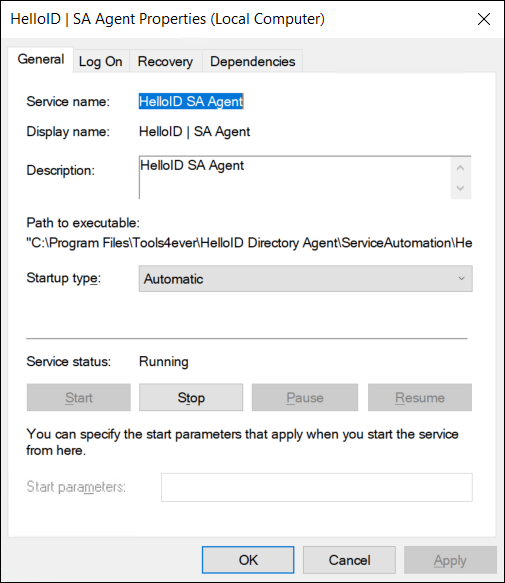
The on-premises Service Automation Agent service is named HelloID SA Agent. It runs actions associated with the Service Automation module of HelloID on a server in your organization's network.
To get started, Install an on-premises Agent.
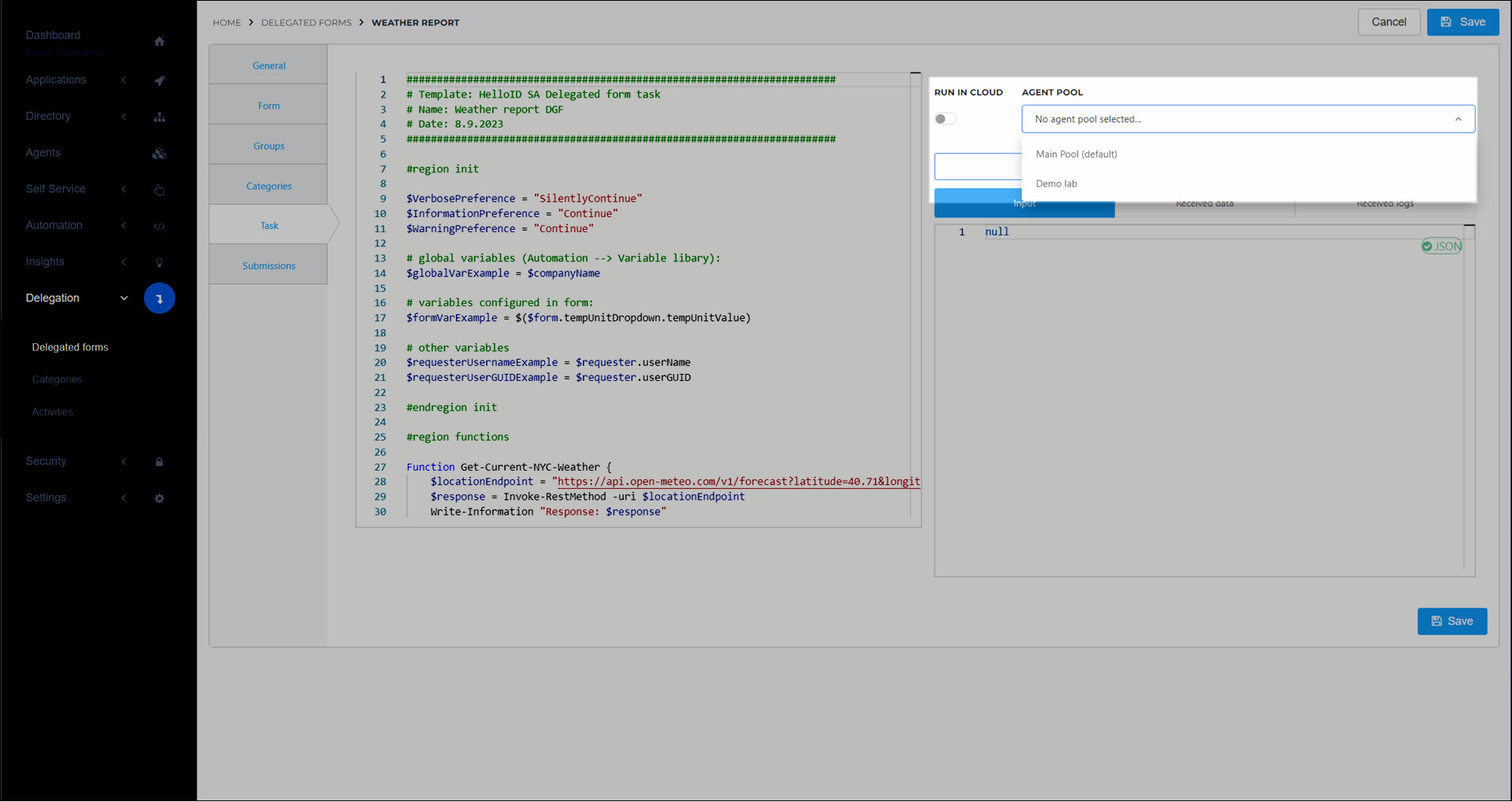
To use the on-premises SA Agent with a compatible feature (PowerShell data sources, Delegated form tasks, and PowerShell Product actions), disable the Run On Cloud Agent toggle in the relevant object and select an Agent Pool:
The Service Automation Agent offers 64-bit support, to allow loading 64-bit PowerShell modules such as Azure and Exchange Online. It is not 32-bit backwards compatible.
The log files for the Service Automation Agent can be found at: C:\ProgramData\Tools4ever\HelloID\ServiceAutomation\logs\.
Switch between Windows Powershell 5 & Powershell 7
By default, the on-premises Service Automation Agent supports PowerShell 5. It can be configured to use either Windows PowerShell 5 or PowerShell 7 (previously called PowerShell Core) through a server-level configuration file.
To switch the agent to PowerShell 7, create a JSON file named appsettings.customer.json in the following directory on each server where the agent is installed:
C:\Program Files\Tools4ever\HelloID Directory Agent\ServiceAutomation\
If the environment contains multiple agent servers, the file must be added to each server individually.
Populate the file with the following content to enable PowerShell 7:
{
    "PowerShellSession":
    {
        "Version": 7
    }
}
Save the file. Then restart the service.
After the configuration file has been added and the service has been restarted, the agent will use PowerShell 7 instead of Windows PowerShell 5. The selected version, along with all detected PowerShell installations, can be found in the agent logs.
Note
To switch back from PowerShell 7, either remove the appsettings.customer.json file, or remove "Version": 7 from the configuration file, or change it into "Version": 5; then restart the service.
Note
Only PowerShell 7 (PowerShell Core) is supported. Other versions of PowerShell Core are not supported at this time.