Users
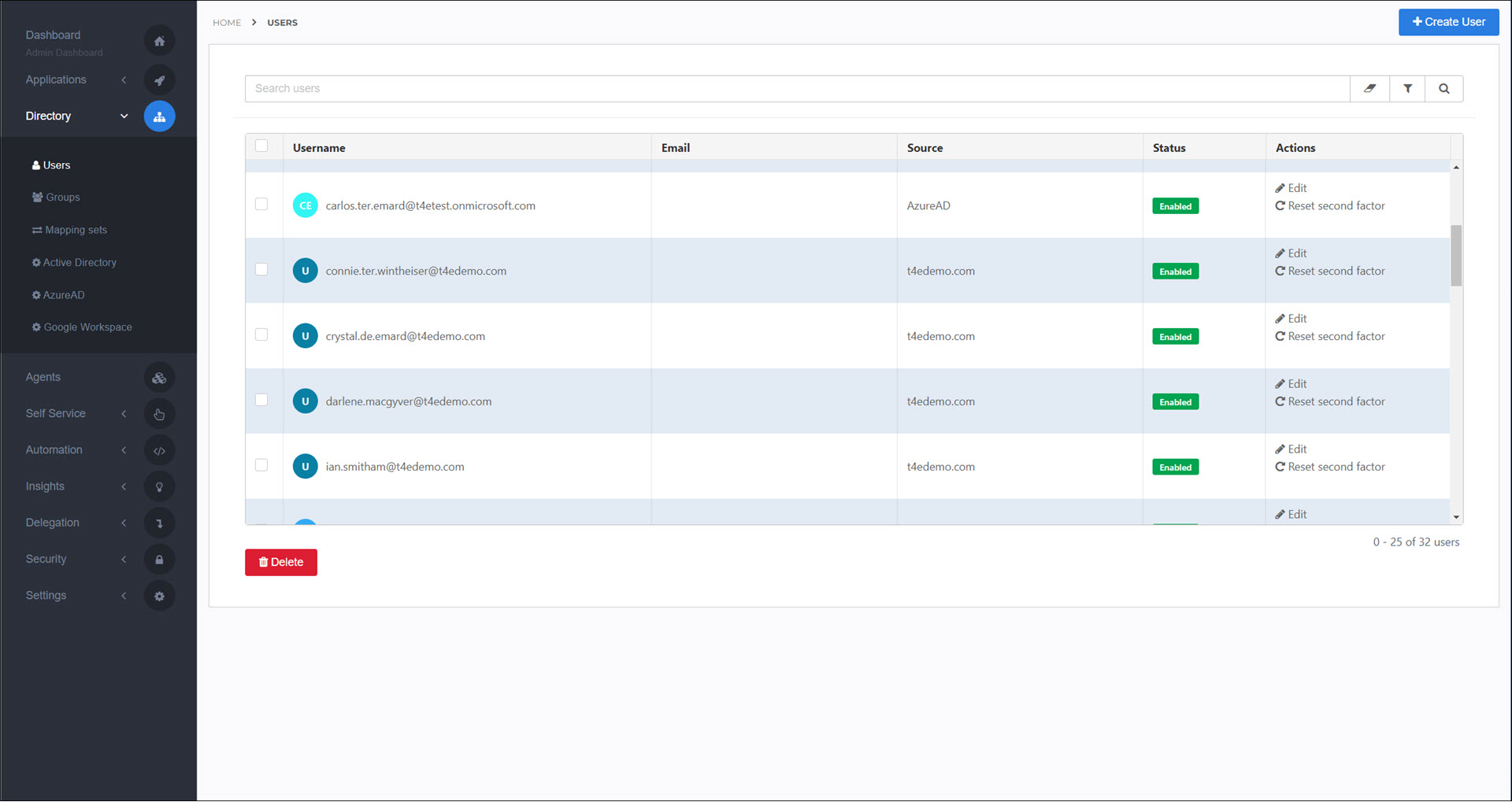
A HelloID user is an account that represents a person who can sign in to HelloID.
User accounts are the cornerstone of HelloID Access Management and Service Automation.
There are two types of user accounts in HelloID: Local users and Synced users.
User accounts can be organized using Groups.
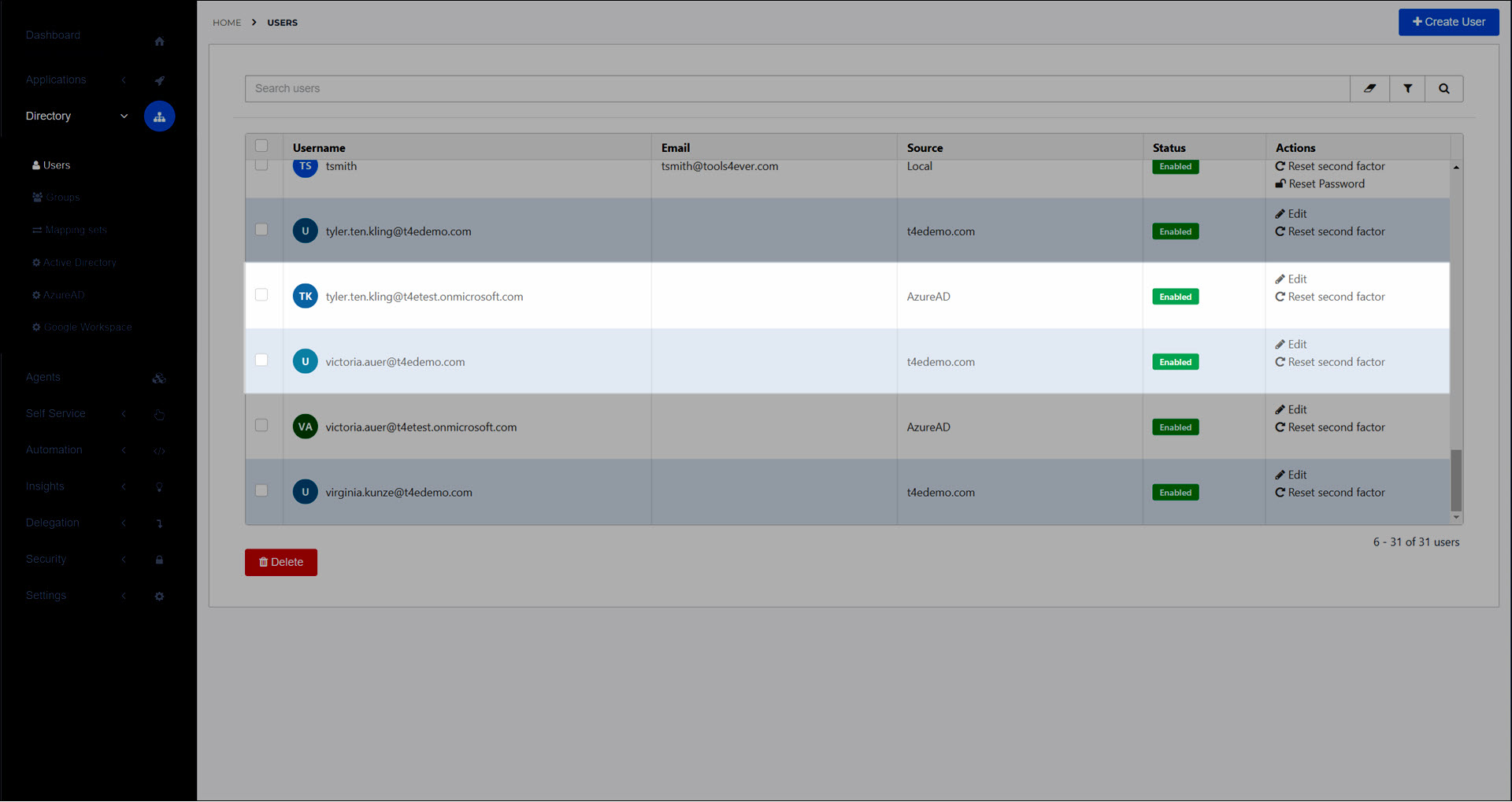
To get started, go to Directory > Users. Or, Add a local user.
Tip
In HelloID Provisioning, source systems such as HR systems define authoritative identity data. The HelloID user directory is not a source system for Provisioning.
If you're using the HelloID connector as a target system in Provisioning, Provisioning will create (local) user objects in the HelloID user directory.
Local users
Local users are created in HelloID in two ways:
Manually, using the Add a local user workflow.
You want a 'break glass' local administrator to log in to HelloID when your IdP is down.
If your organization works with outside vendors or contractors who need access to HelloID, you can separate concerns by giving them local HelloID accounts instead of accounts in your organization's directory system.
Automatically, via the API.
If the HelloID connector is used as a target system in Provisioning. Provisioning will create user objects in the HelloID user directory.
This approach may be preferable over directory synchronization, because it allows you to grant accounts and group memberships based on business rules, instead of synchronizing all accounts and groups.
If your organization is small and has no directory system, or an unsupported directory system, you can use the HelloID API to generate and maintain local users and groups based on a simple spreadsheet containing personnel data.
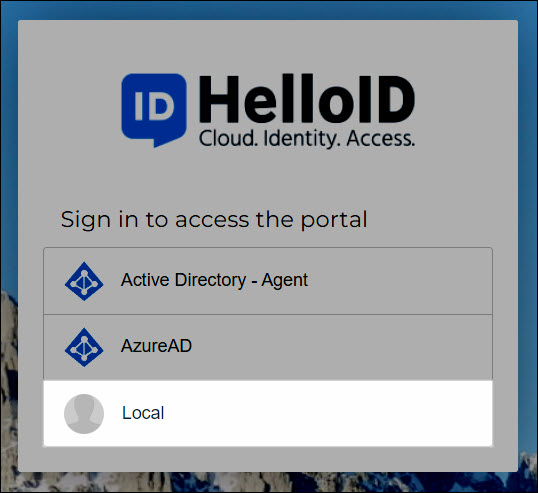
Manually added local users log in using the Local IdP.
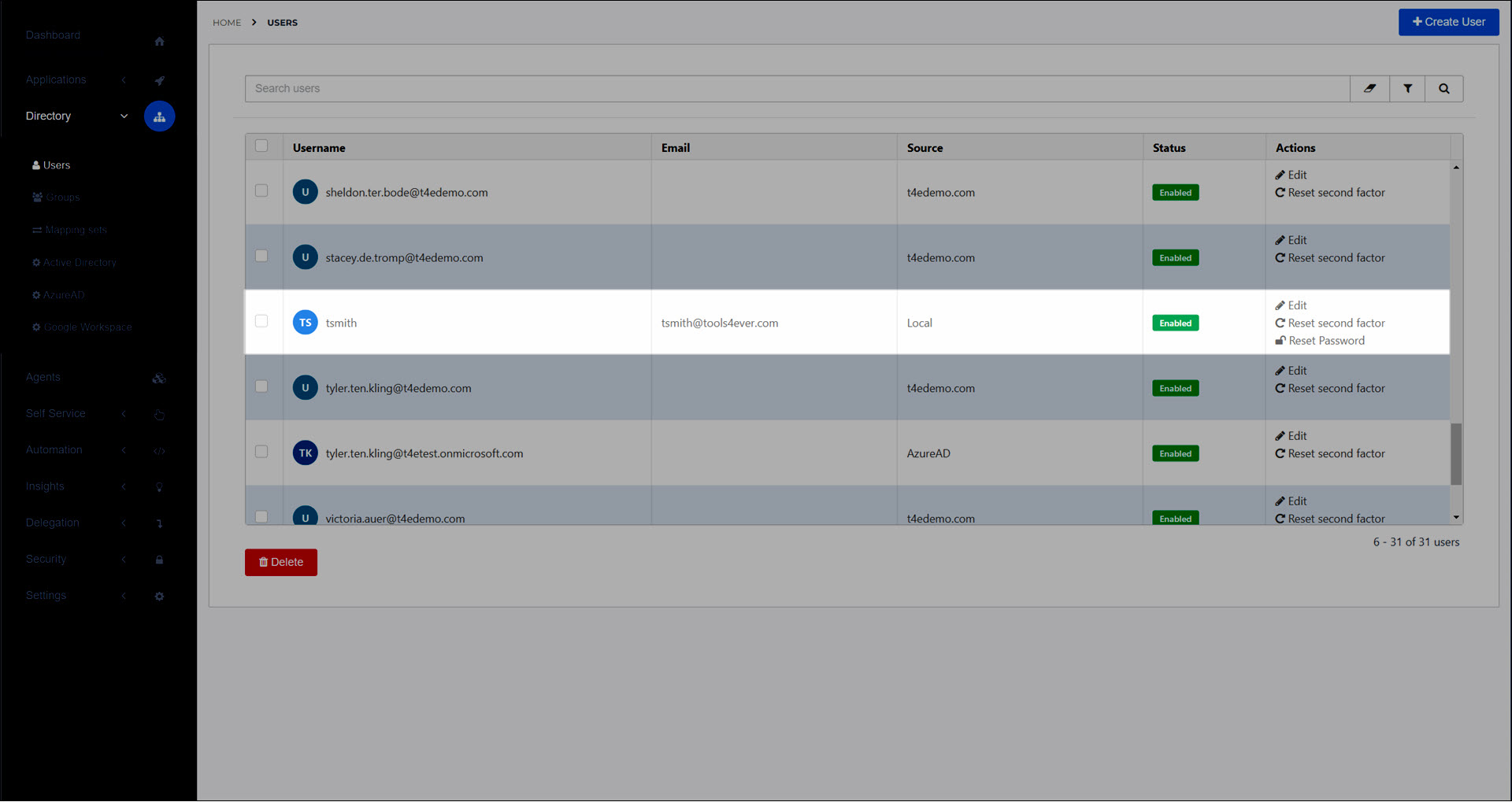
In Directory > Users, their Source is Local.
Users added via the API can be required to log in via a different IdP. In Directory > Users, their Source is then the name of the IdP they use to log in.
Synced users
Synced users are created in HelloID via Directory sync or the JIT feature of a configured IdP.
Typically, most of an organization's HelloID user accounts will be synced users (e.g., from Microsoft Active Directory or Google Workspace), and typically that directory system also serves as the primary IdP.
In Directory > Users, their Source is the name of the directory system or IdP they came from. For example, the AD domain name (e.g., t4edemo.com), or AzureAD.
Synced users can only log in using the IdP (see Identity providers (IdPs)) that corresponds to their Source.