Navigate the HelloID Interface
Dashboards
HelloID has two landing pages:
The User dashboard is the home page for HelloID Users, Managers, and Product owners.
The Admin dashboard is the starting point for HelloID administrators, implementers and developers. From here, you can manage global HelloID settings, as well as settings for the Access Management and Service Automation modules (if available in your organization).
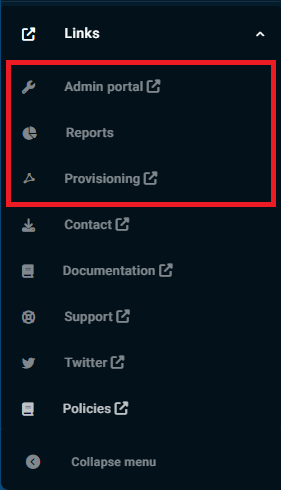
As an administrator, you have access to both landing pages. You can also access:
The Provisioning dashboard (if Provisioning is available in your organization).
The Reports dashboard, where you can view and create Audit log reports.
Getting around
The Admin and Provisioning dashboards include a toolbar in the top-left corner that provides access to all dashboards.
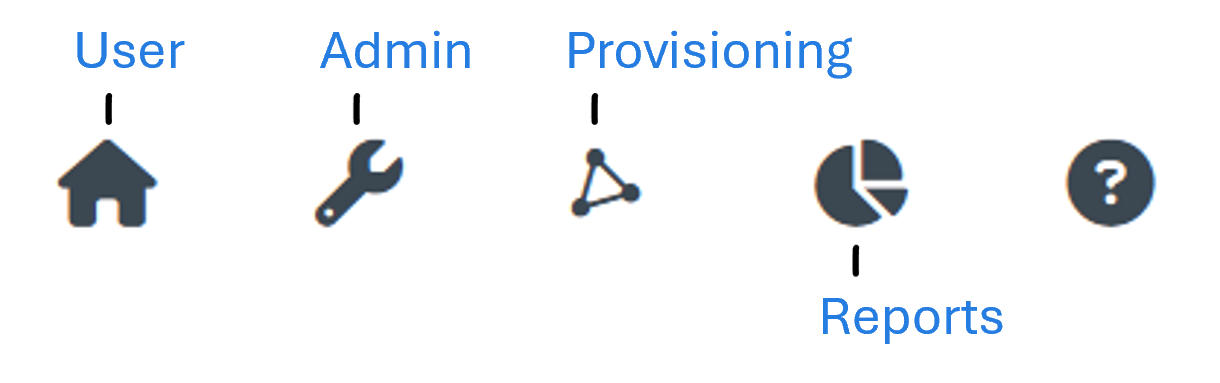
The  Question mark icon opens the HelloID documentation.
The User dashboard and Reports dashboard do not have this toolbar, but they have a menu at the bottom left with links to the Admin, Reports, and Provisioning dashboards.