Set a delegated approver for a user
A delegated approver (or delegated responder) is someone who is temporarily authorized to answer Product requests on behalf of another user. This responder can be appointed by the user themselves (Delegate response duties) or by an administrator.
Note
To set a delegated approver for a user, administrators must have the Users - Manage delegated approver permission. See the Rights reference.
Delegated responders must have the Self Service User - Product Overview permission and the Self Service Management - Overview and Approve/Deny permissions.
Go to Directory > Users.
For the relevant user, click Edit.
On the General tab, enable the toggle Enable delegated approver.
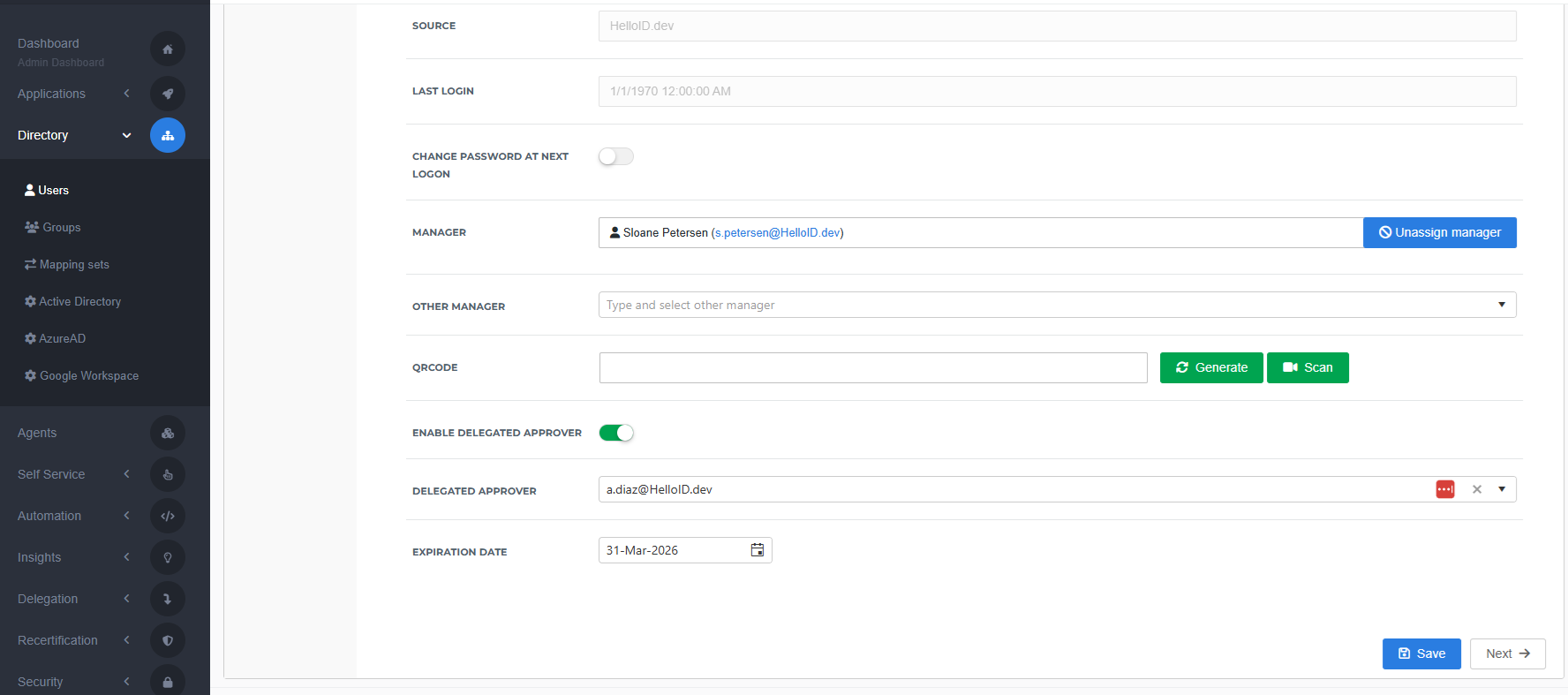
Specify a Delegated Approver and an Expiration Date.
Click Save.